UX Designer vs AI-First UX Designer
What a designer who puts AI into every stage of the work does differently, from research to prototype: what speeds up, what stays the same, the skills that now weigh more and where the decision has to be a person's.
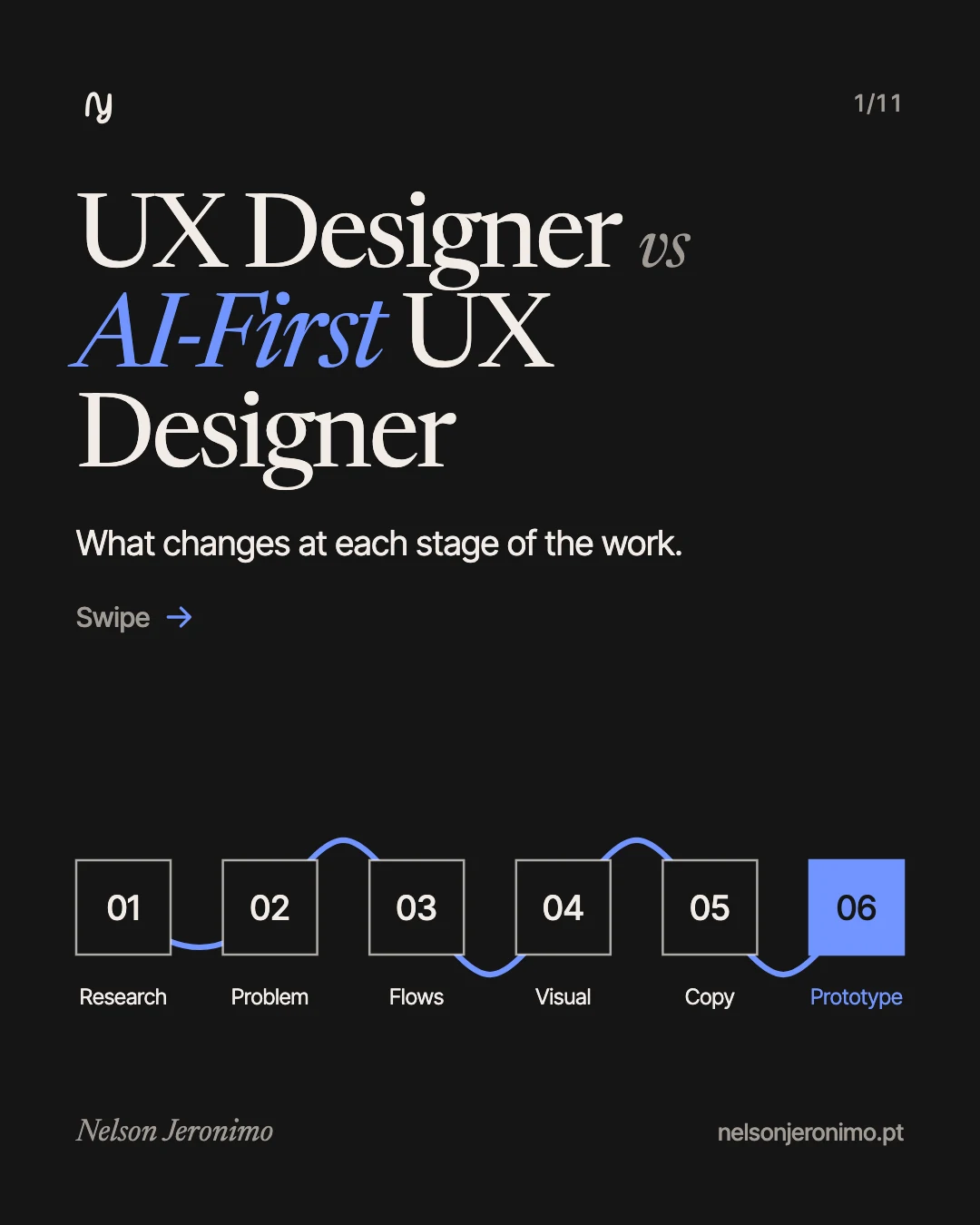
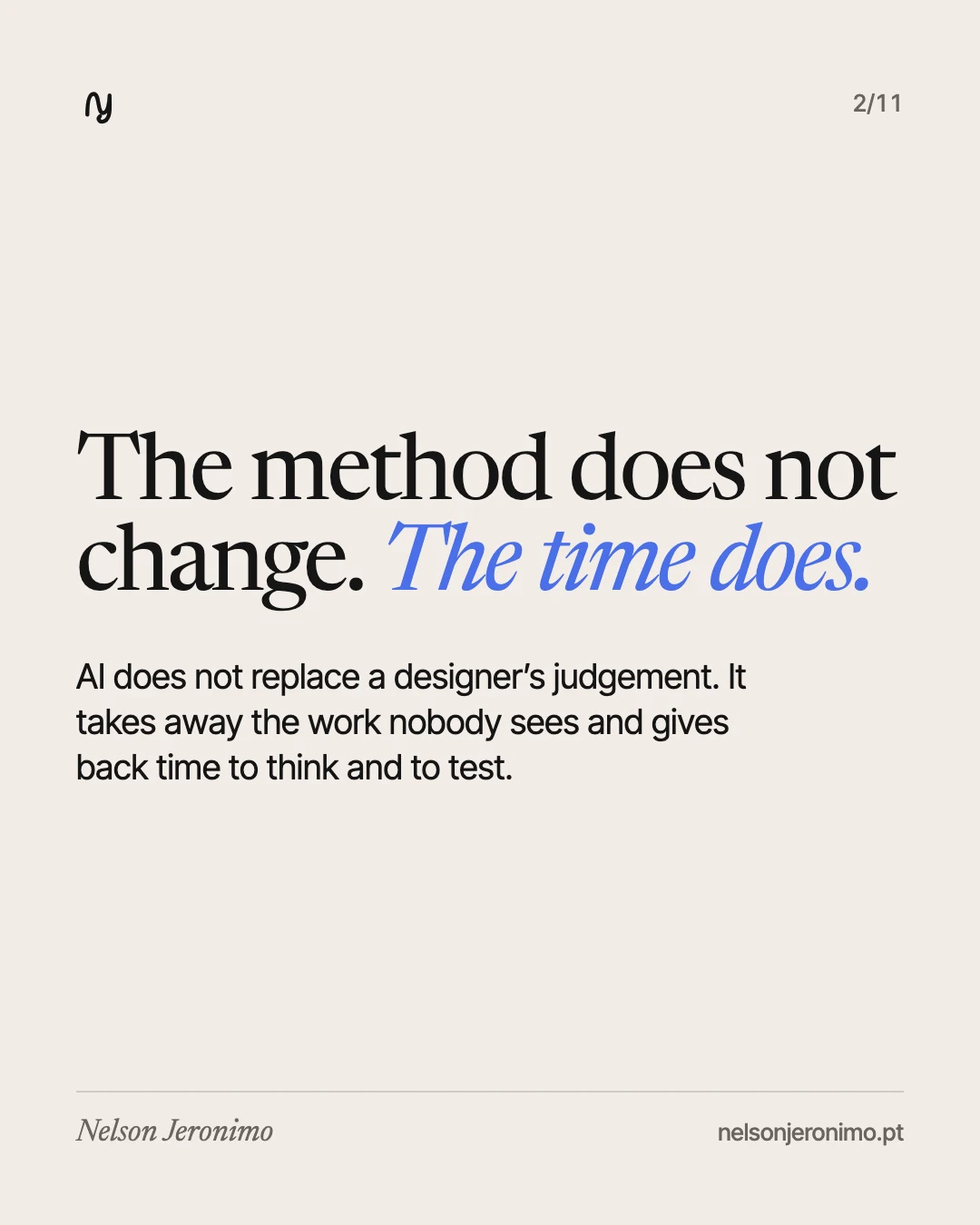
The question I hear most is whether AI will replace designers. The one that matters is different: what does a designer who works with AI do differently, stage by stage? The short answer is that the method does not change. What changes is how long each step takes, and with it what can be done in a project.
This article walks through the six stages of my work and says, for each, what AI speeds up, what is still a person’s decision and where care is needed.
“AI-first” means this: AI comes into every stage of the process, not just one tool for generating images or text. The designer is the same; what sits beside them has changed.
The summary, in a table
| Stage | Without AI in the process | With AI in the process | Who decides |
|---|---|---|---|
| Research | Read competitors and interviews one by one | Analyse everything at once and group the patterns | The person, after checking the sources |
| Defining the problem | Start designing from the request | Question the request before designing | The person and the client |
| Flows | The main path | The main path and every exception | The person |
| Visual exploration | One or two directions | Several directions, properly compared | The person |
| Interface copy | Generic messages | Messages written for each situation | The person, for the brand’s tone |
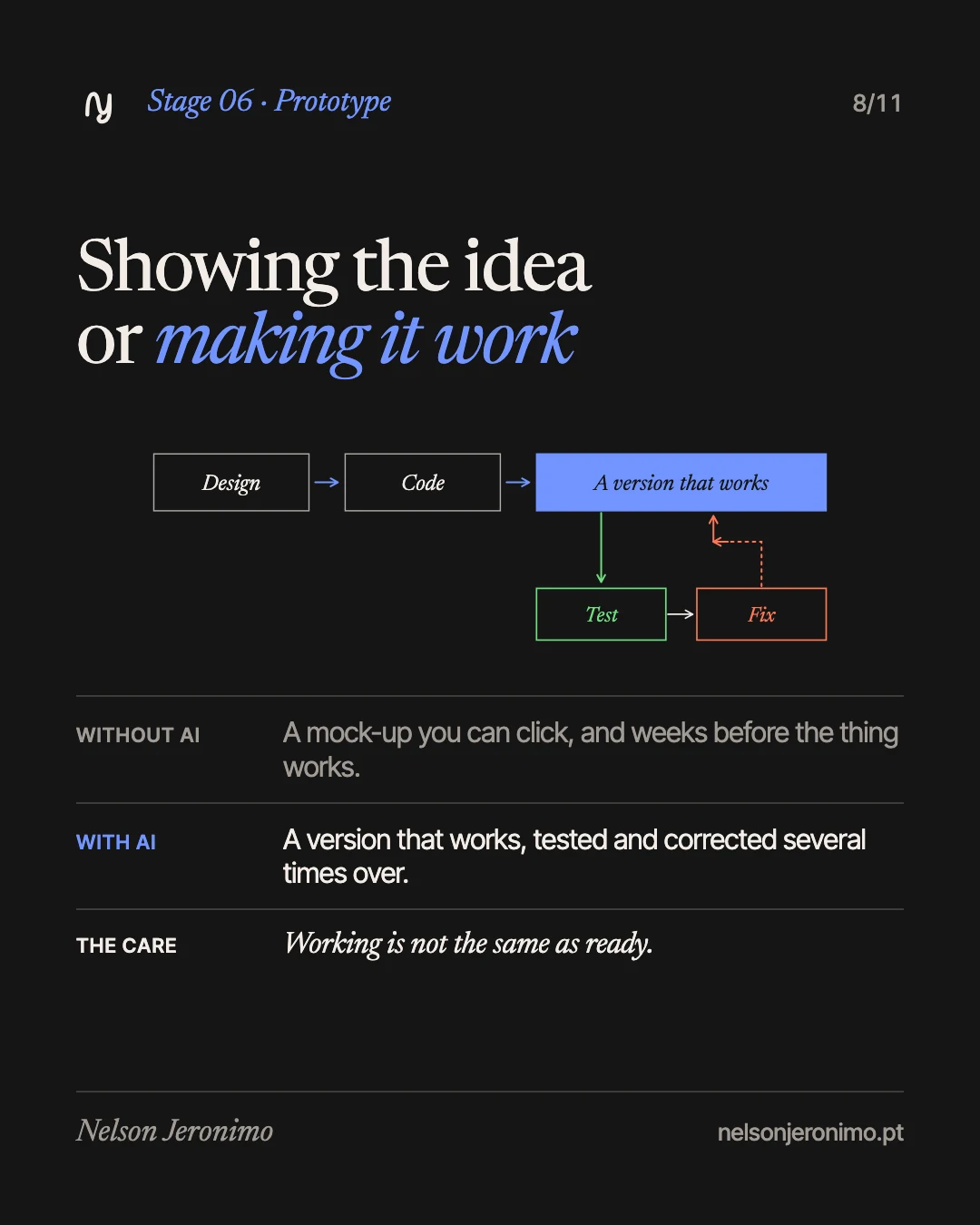
| Prototype | A mock-up you can click | A version that works and can be tested | Users, by using it |
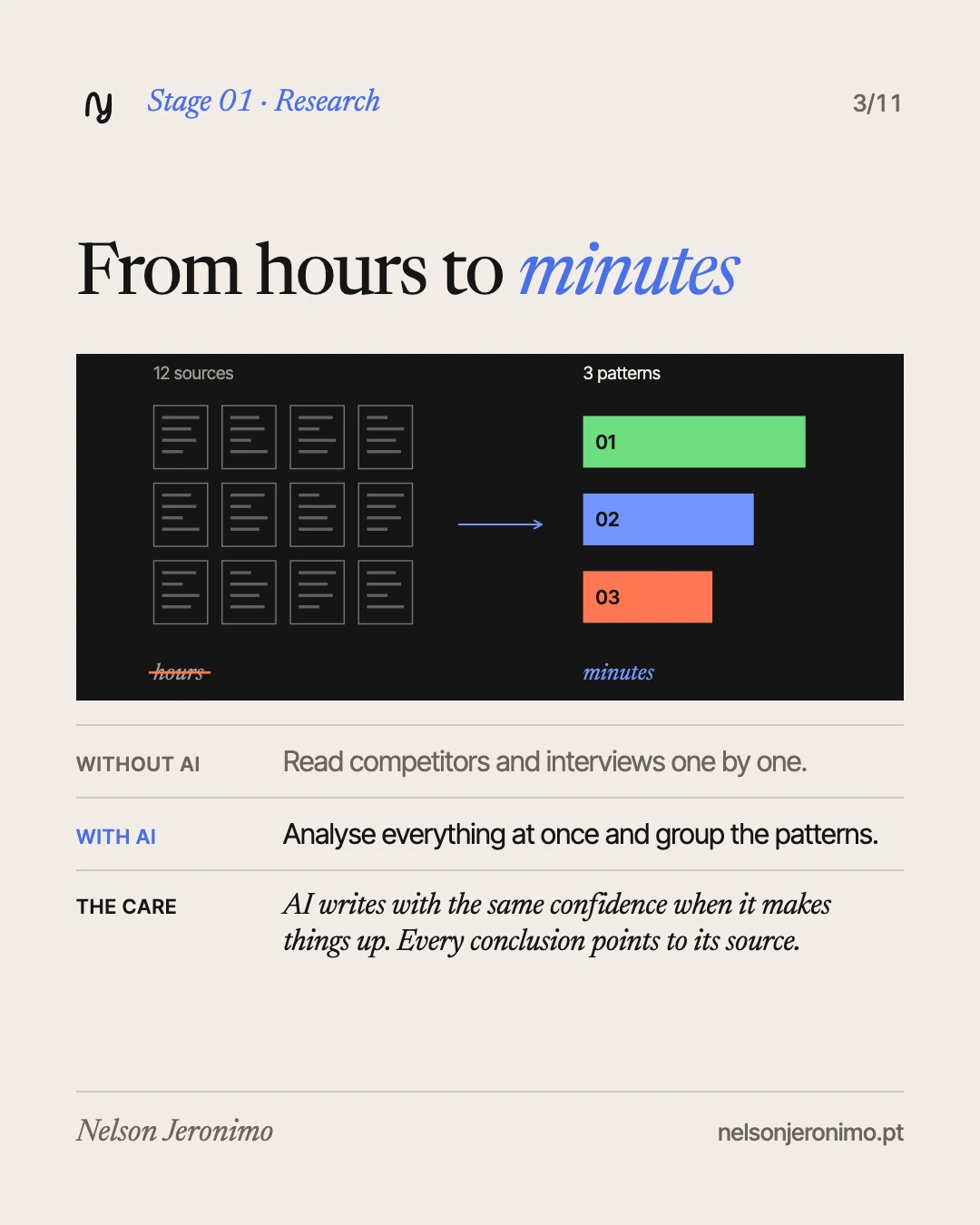
1. Research: from hours to minutes
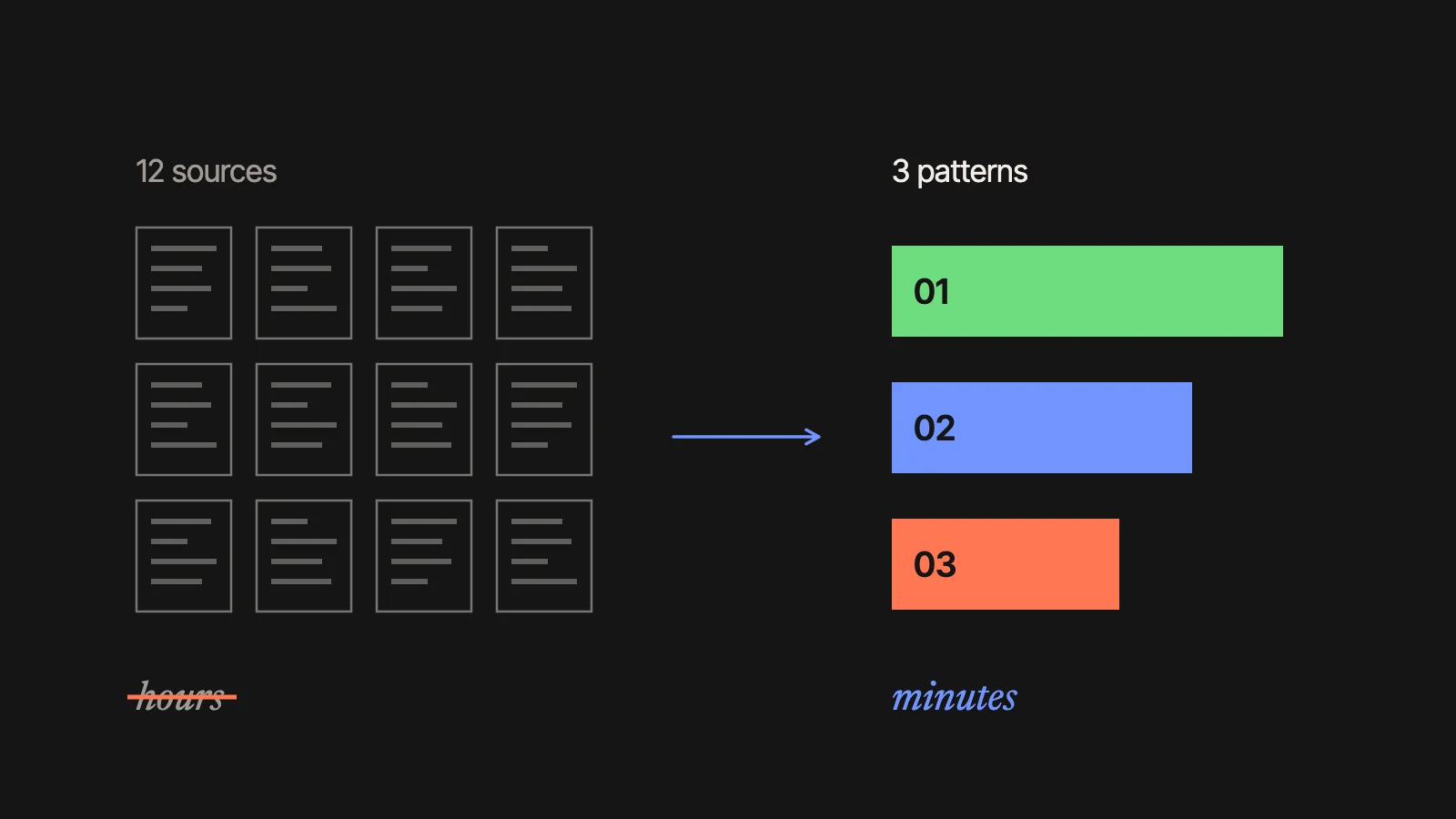
Before designing you need to understand the ground: who the competitors are, what customers say, where the complaints repeat. By hand, that means reading pages and transcripts one by one and taking notes. In an earlier article I did the sums: research and competitive analysis took me 3 to 4 hours for every new feature.
With AI, I hand over all the material at once and ask for the patterns: which problems show up in more than one interview, what competitors all do, what none of them does. A first reading comes back in minutes.
The care: a language model writes with the same confidence when it is right and when it is making things up. Every conclusion has to point to the sentence or page it came from, and I go there to check.
2. Defining the problem: ask before you design
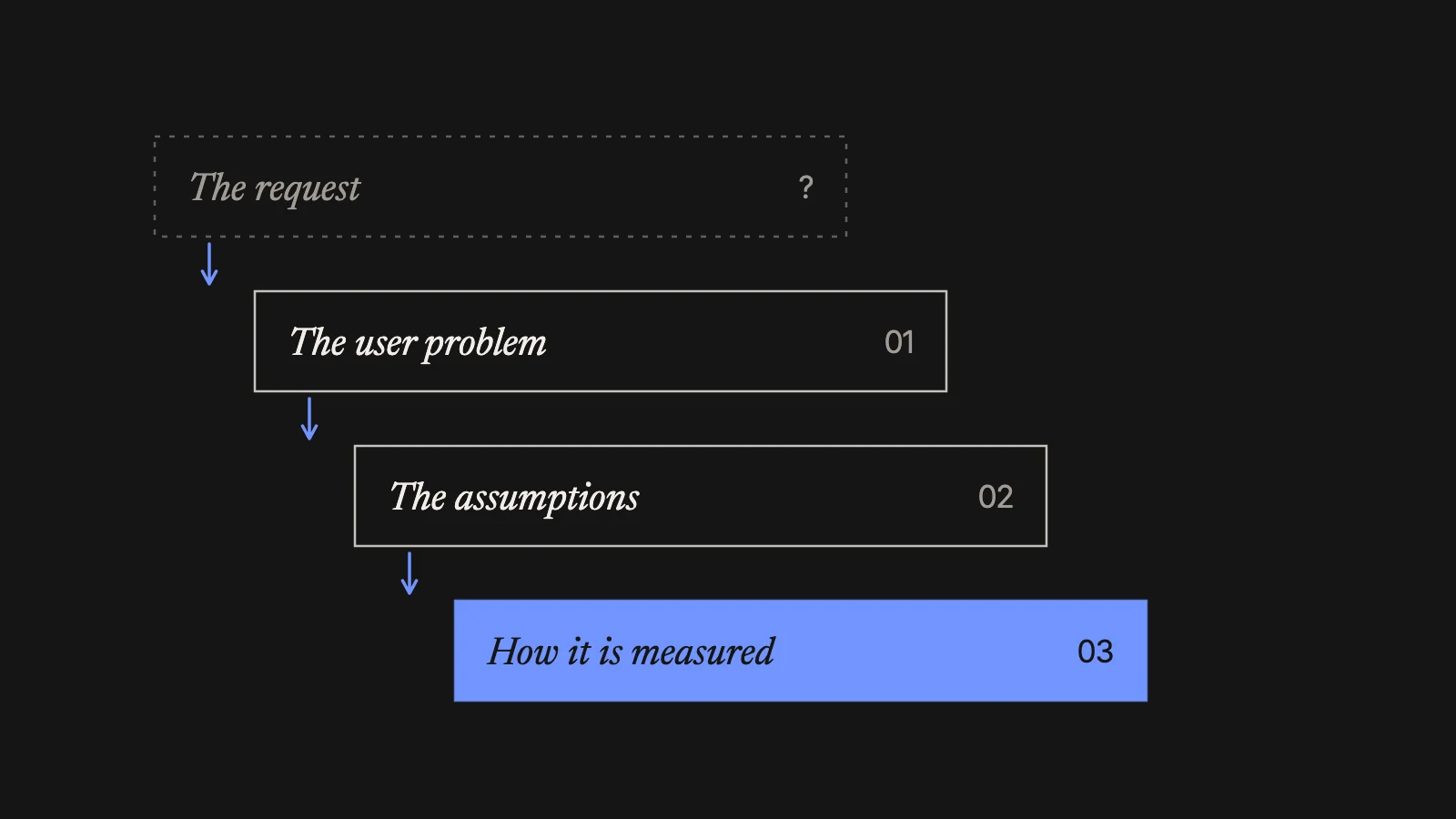
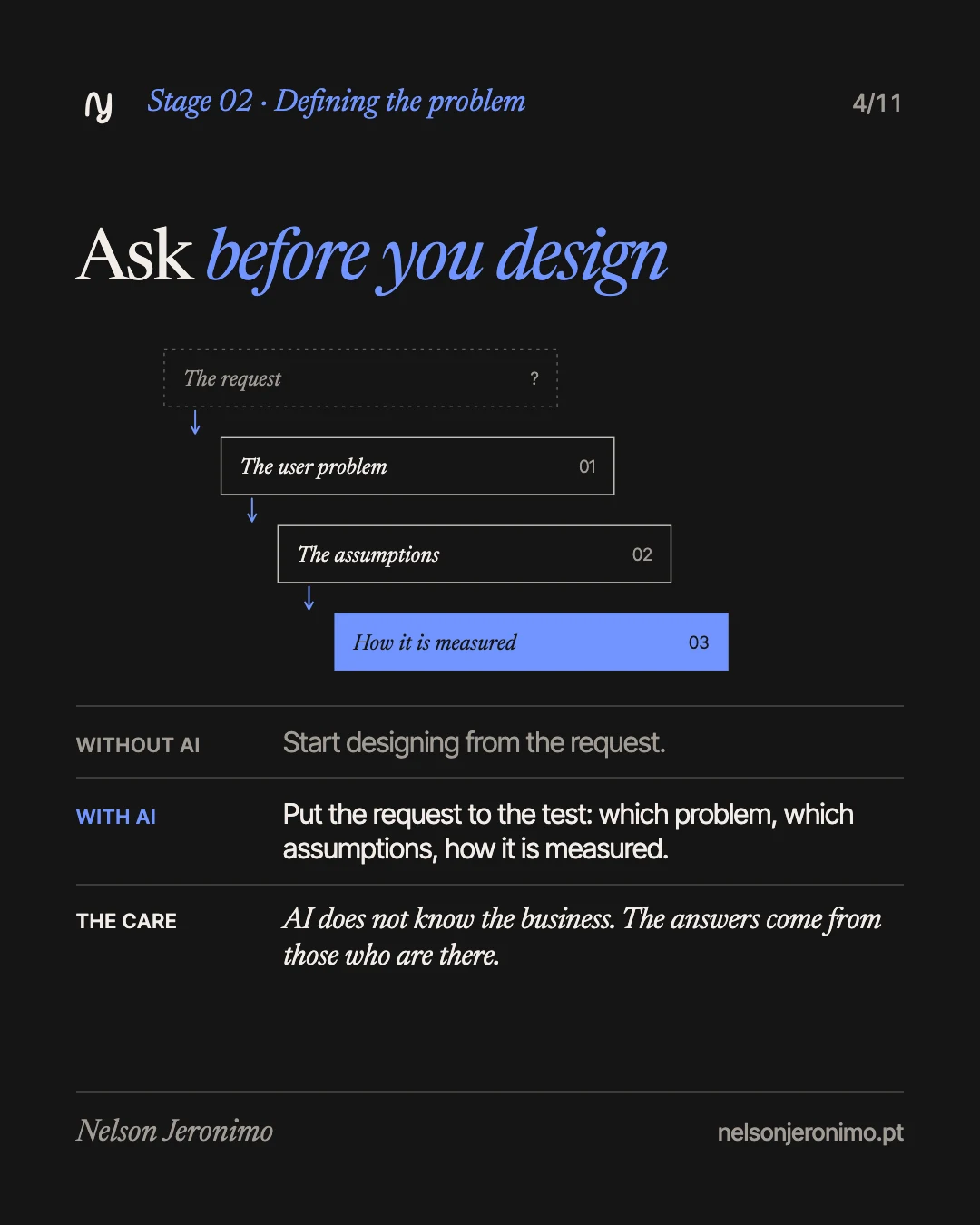
The request that arrives is rarely the problem. “We want a new website” can mean “nobody finds our contact details”. I use AI to put the request to the test: which user problem is behind it, which assumptions we are making without having checked them, how we will know it worked.
A real example. On the site De mãos dadas pelo Martim, the request was to rebuild the site. The main problem was something else: one very long page where it was hard to find the content that actually mattered. The IBAN for donations was hidden in the sixth question of the FAQ and the 14 collection points sat in one run-on paragraph. People who came to help could not see how. And for those running the site there was a second problem: the time lost keeping it fed with content.
The care: AI proposes good questions, but it does not know the business or the people. The answers come from those who are there.
3. Flows: the happy path and all the others
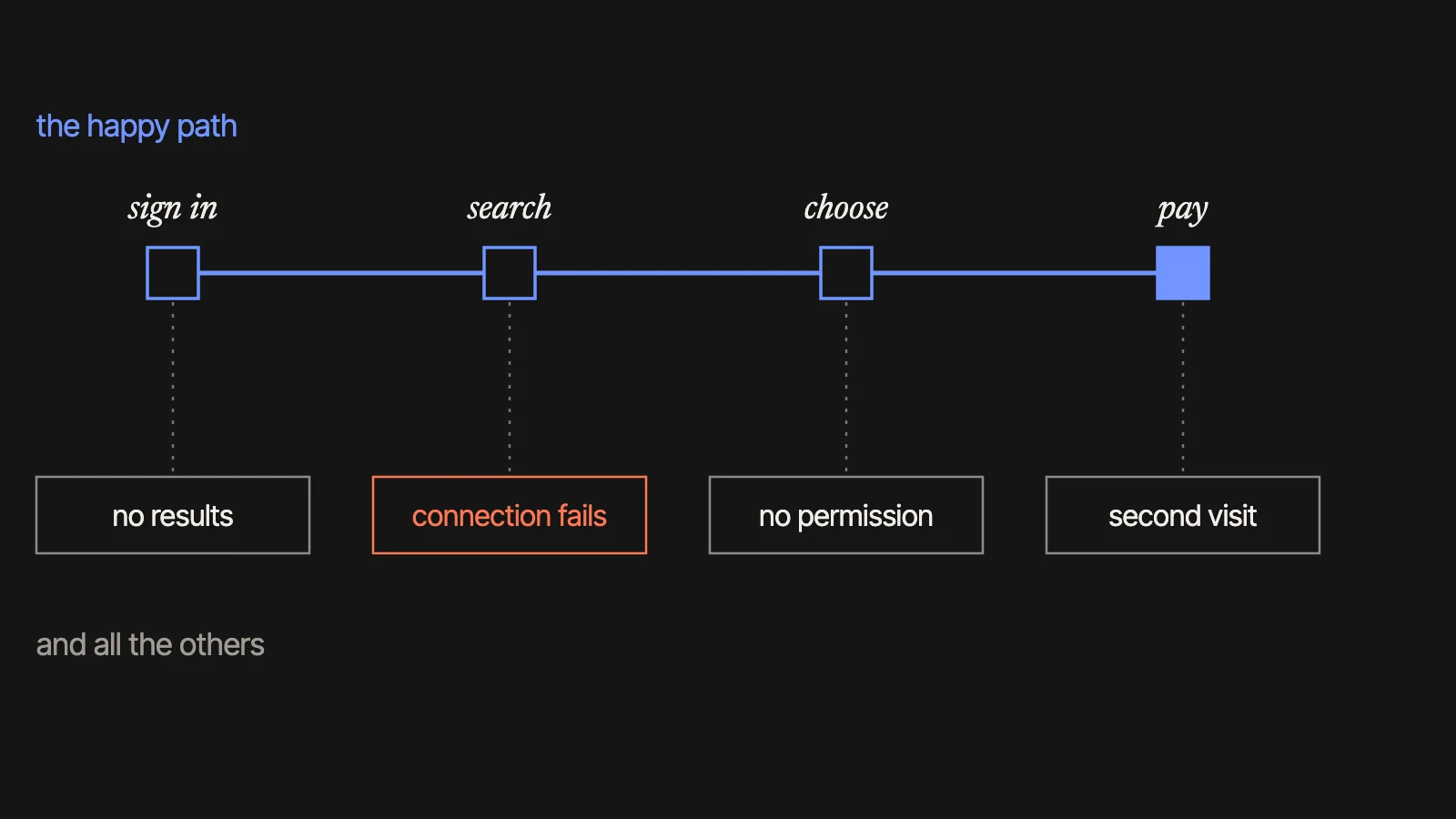
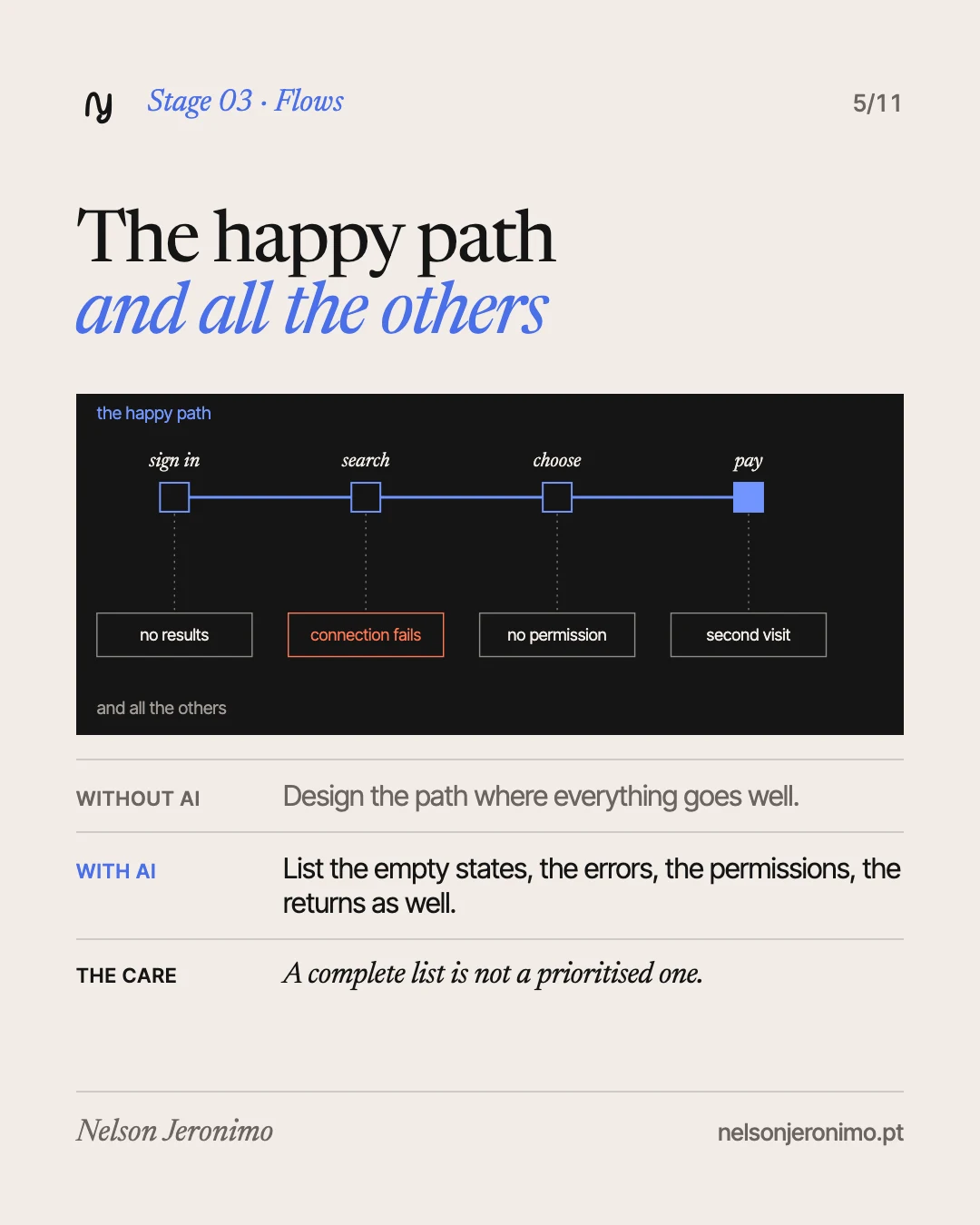
A flow is the sequence of steps someone takes to get something done: sign in, search, choose, pay. It is easy to design only the path where everything goes well. The real work is in the rest: the screen when there is nothing to show yet, what happens when the connection fails, who may see what, who comes back a second time.
On a platform with several roles, like the e-learning one I work on today (admins, teachers, mentors and students), each role multiplies those cases. AI is very good at listing them without tiring, and the list lets me decide which to design first.
The care: a complete list is not a prioritised one. Choosing what goes into the first version is still product judgement.
4. Visual exploration: more directions, the same decision
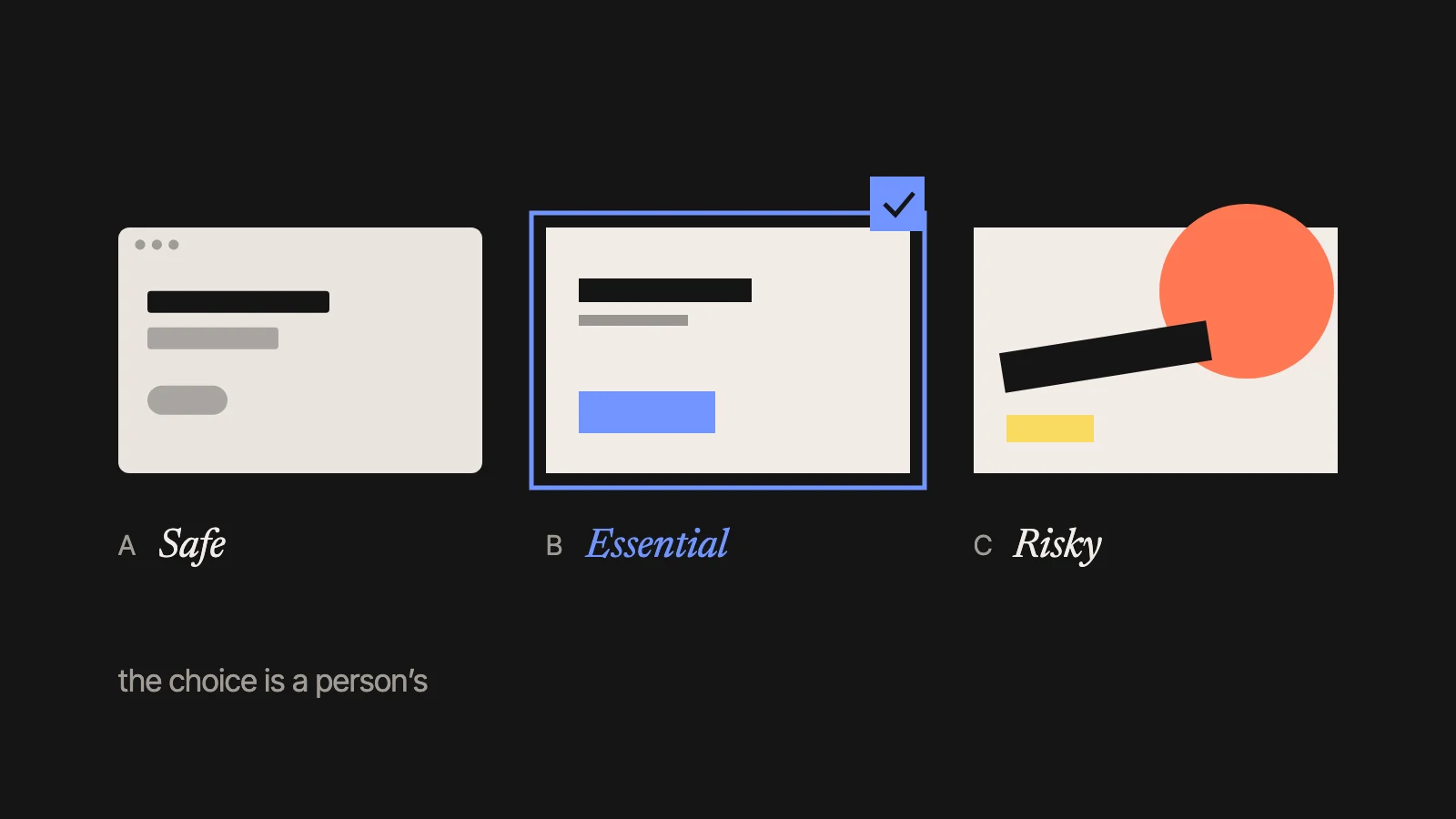
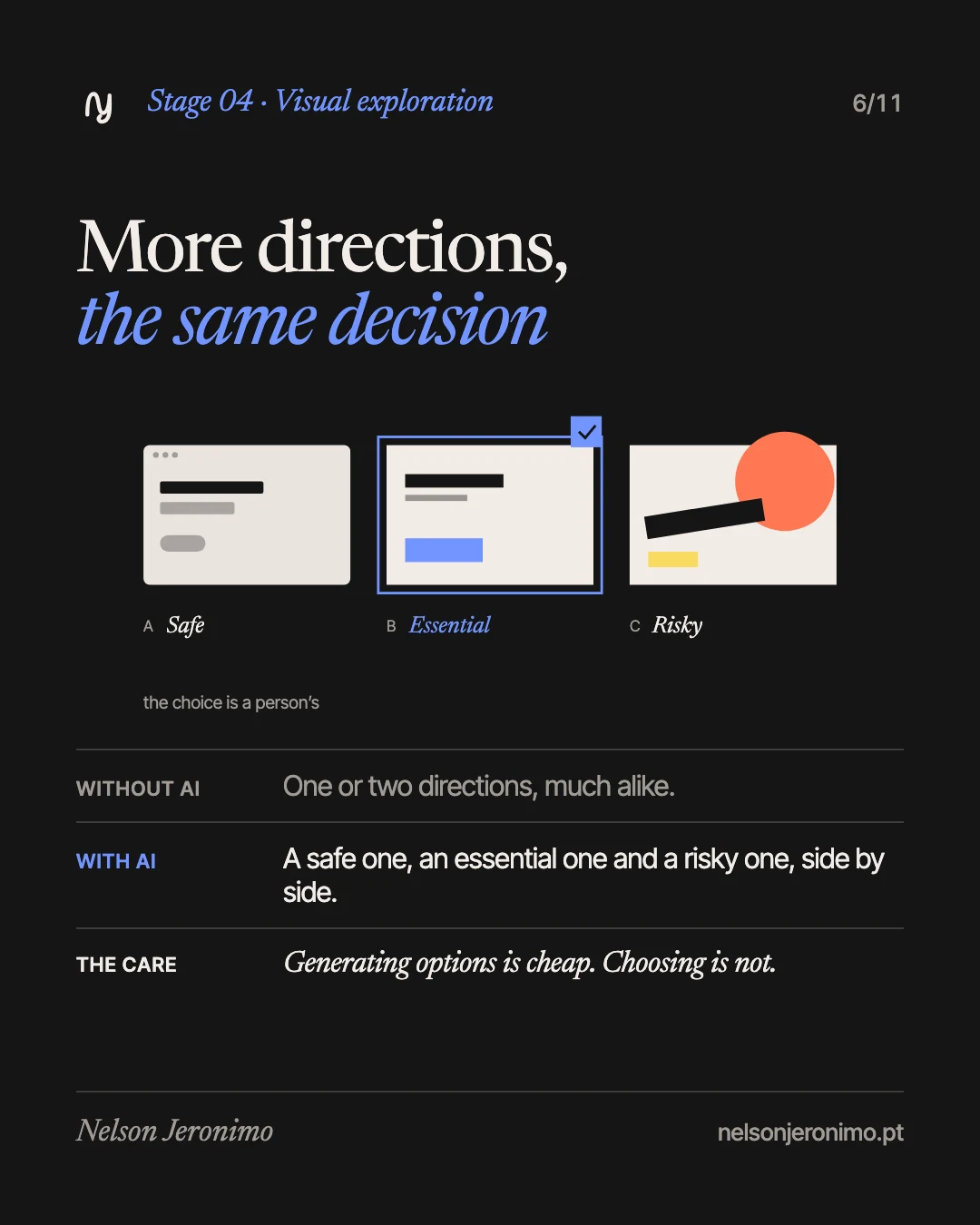
By hand, there is time for one or two visual directions, and the second is nearly always a timid variation of the first. With AI I can put a safe direction, an essential one and a risky one side by side, and discuss with the client over things that can be seen.
This site is the example: it has two complete styles, Classic and Modern, switched with a toggle. The second was designed, built and published in a day, over the same pages.
The care: generating options is cheap; choosing is not. Fifteen years of design are for saying “not this one” quickly, with reasons.
5. Interface copy: written for the situation
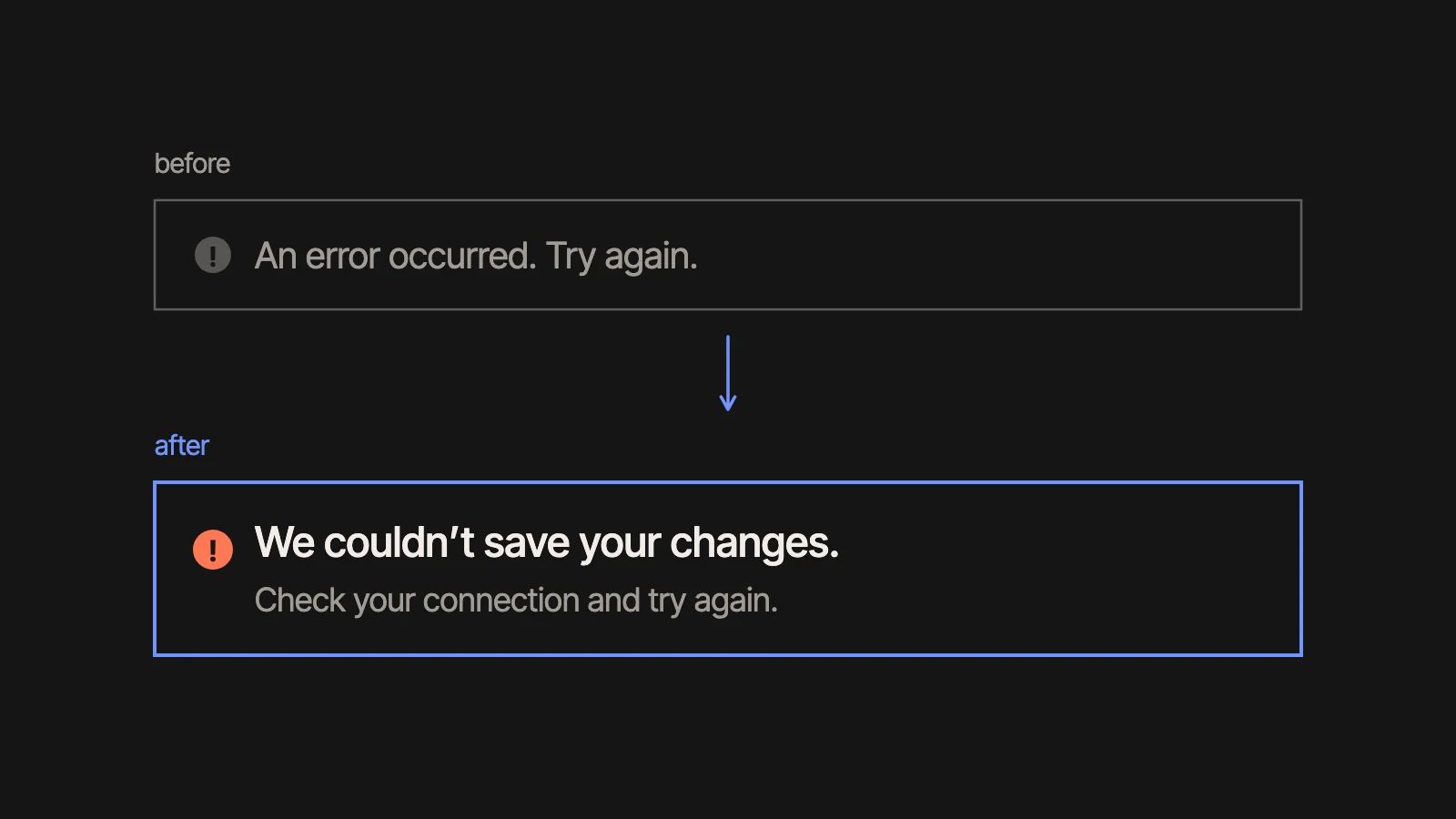
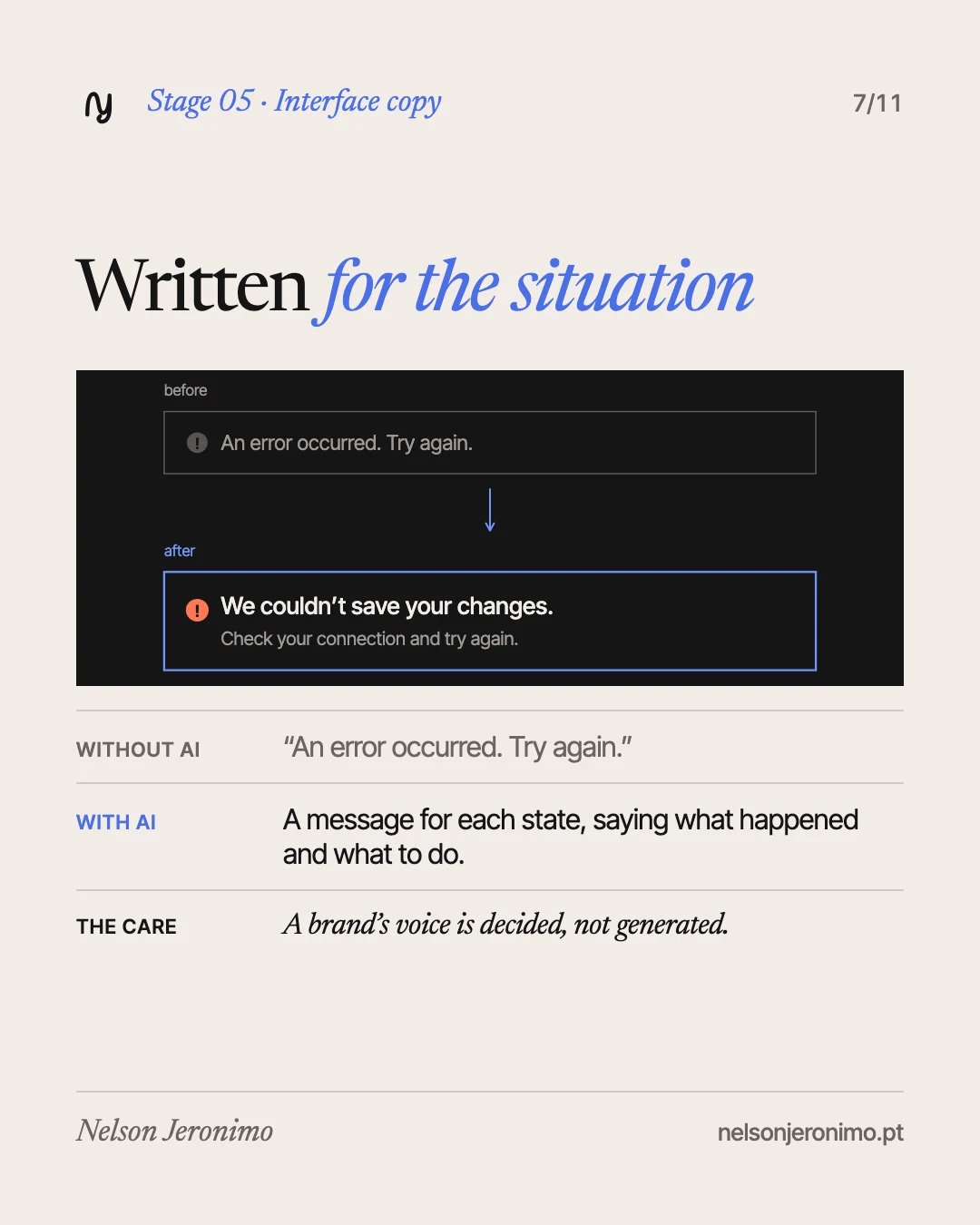
“An error occurred. Try again.” helps no one. A good message says what happened and what to do next: “We couldn’t save your changes. Check your connection and try again.” Writing like that for every state of a product takes time, which is why it used to be left undone.
I ask AI for drafts for each situation and then edit: clarity, tone, context and the brand’s voice.
The care: a correct text can sound like nobody. A brand’s voice is decided, not generated.
6. Prototype: showing the idea or making it work
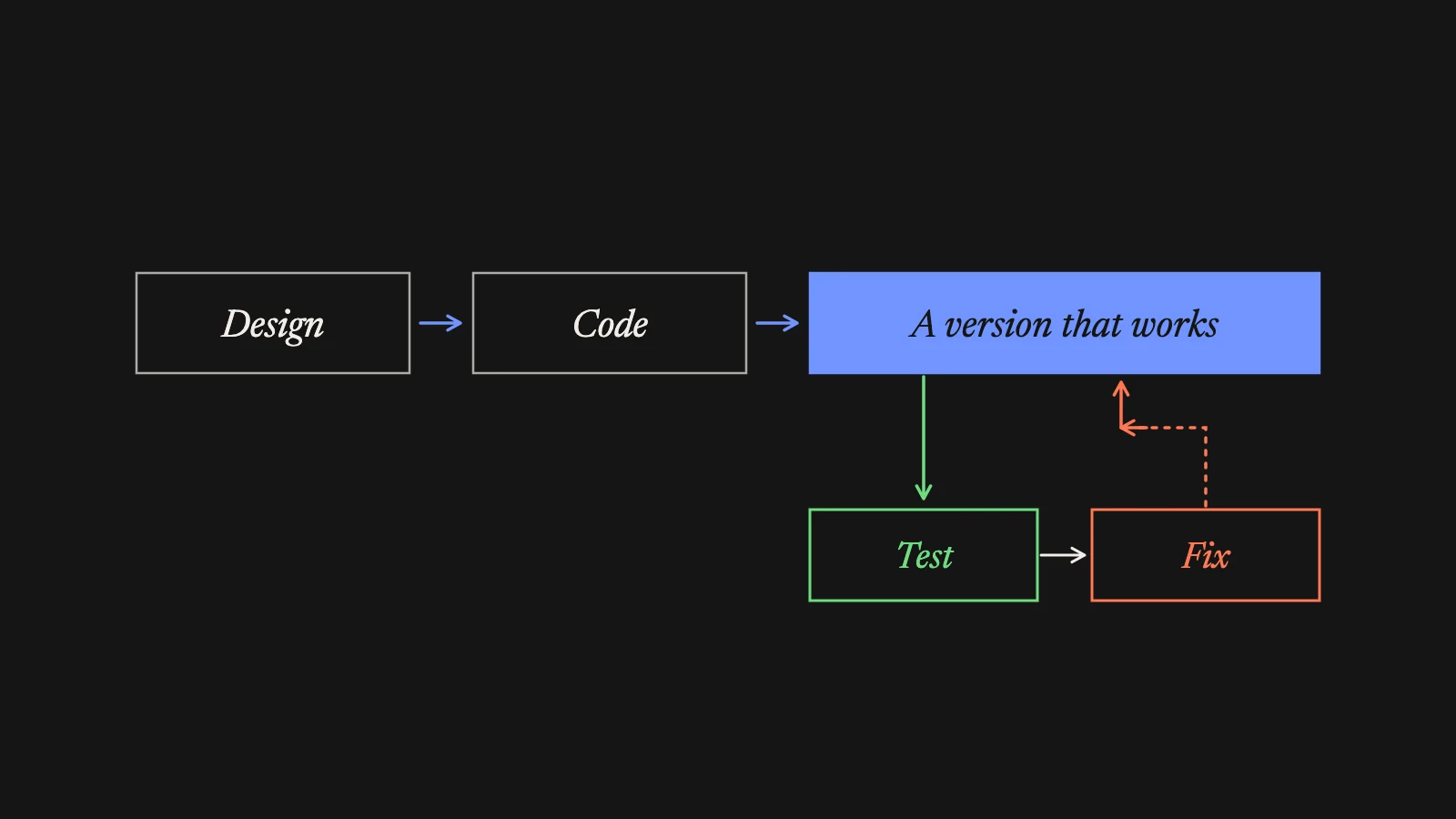
The usual road ended in a mock-up: design, clickable prototype, handoff to the development team, and only weeks later did anyone see the thing working. Today the road goes through code: from the design to a version that works, that is tested with people and corrected, several times over.
That is how three websites for three clients were ready in two, three and four days.
The care: working is not the same as ready. Accessibility, performance, security and real data are checked before publishing, one by one.
The skills that now weigh more
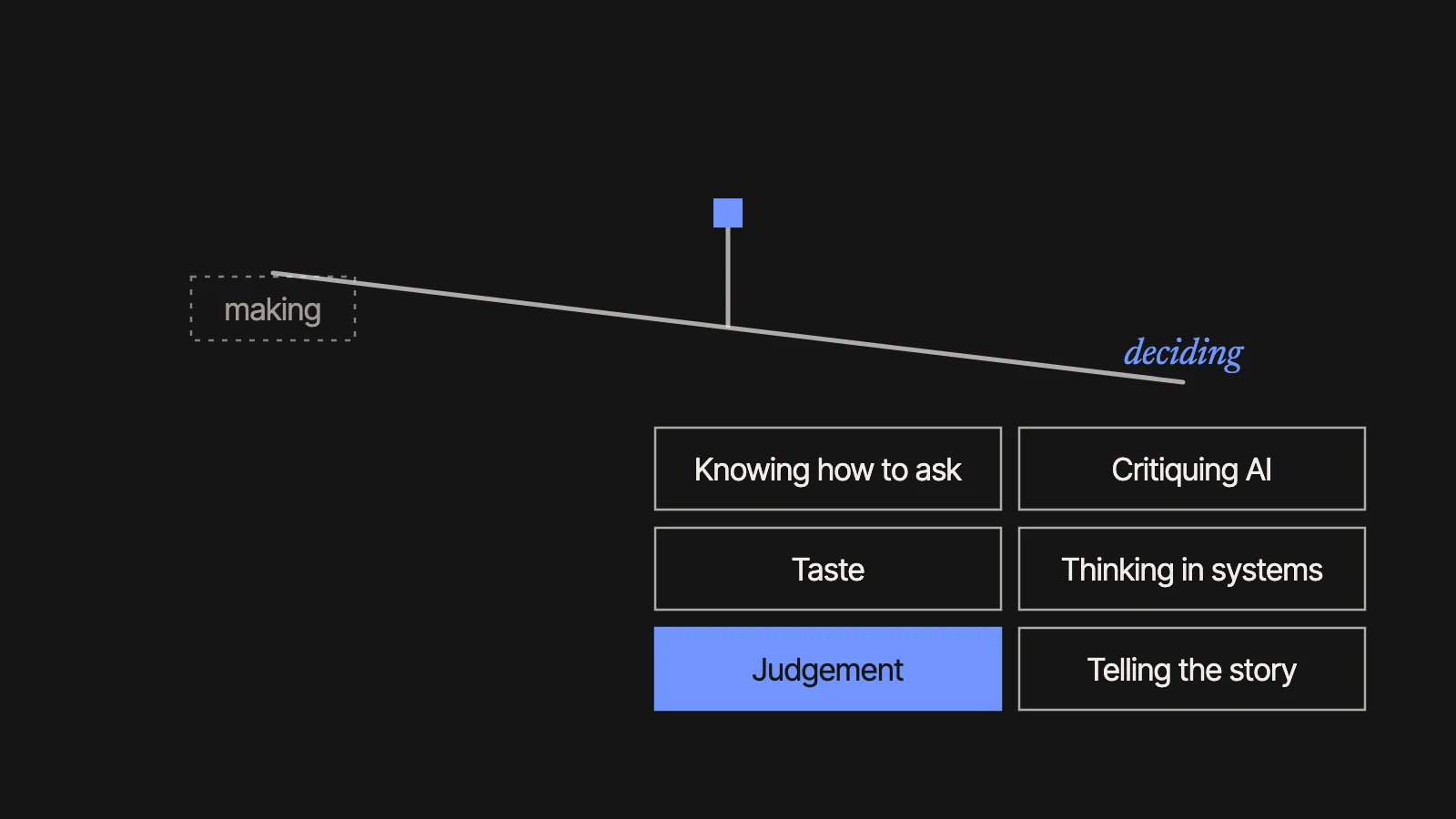
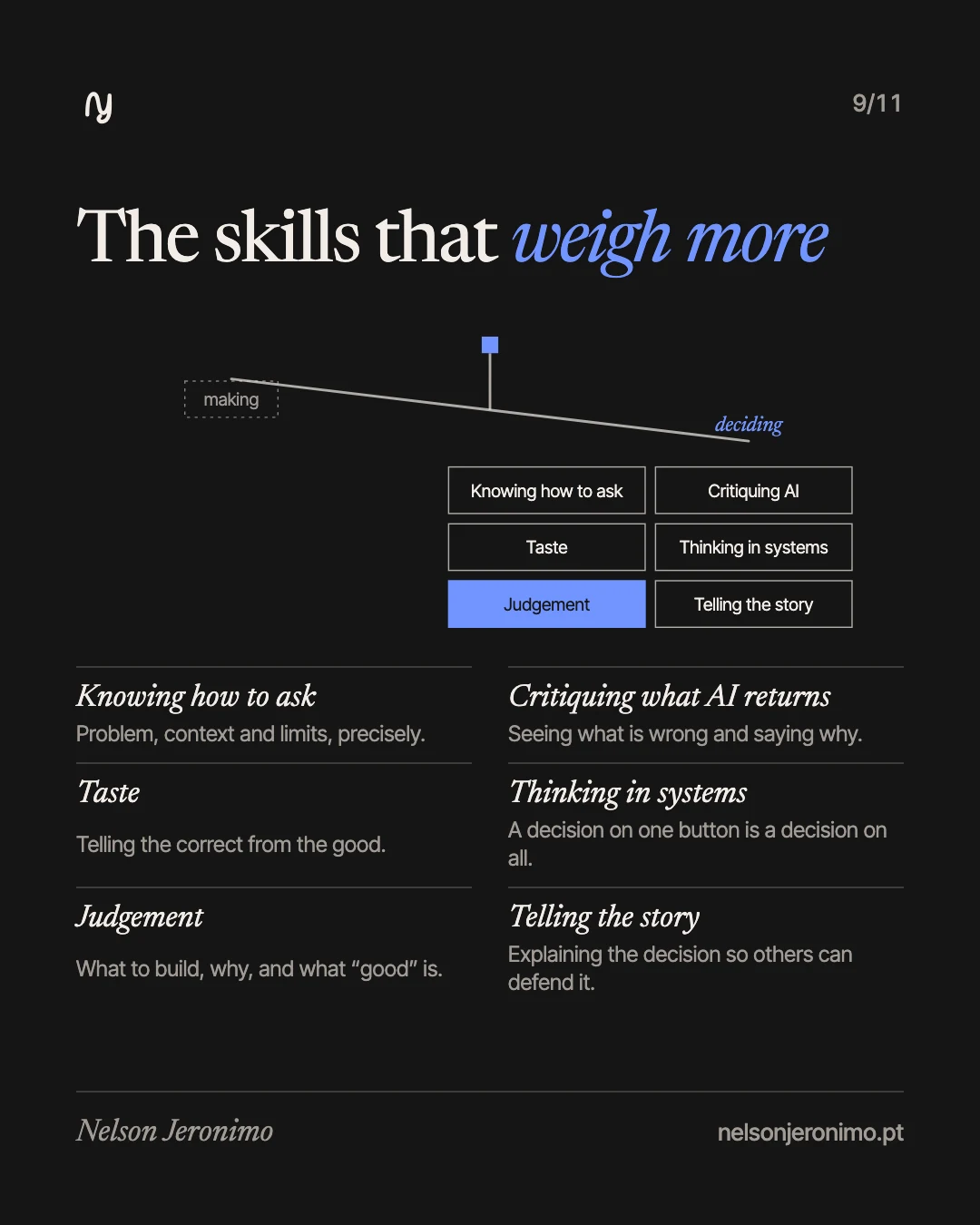
For years, growing as a designer meant mastering the tool, then prototyping, research, systems, strategy. With execution getting fast for everyone, what sets a designer apart moves elsewhere. Six things count for more:
- Knowing how to ask. Describing the problem, the context and the limits precisely. It is the same as writing a good brief, except the result now depends on it by the minute.
- Critiquing what AI returns. Seeing quickly what is wrong in a proposal and saying why. My audits use written rules (usability heuristics, grid, interaction principles) for exactly that.
- Taste. Telling what is merely correct from what is good. You cannot ask a model for it; it is trained by looking at a lot of good work.
- Thinking in systems. A decision on one button is a decision on all of them. In a design system for several brands, like the one I maintain today, AI only helps if the rules are well defined.
- Judgement. Knowing what is worth building, why it matters and what “good” looks like in this case.
- Telling the story. Explaining a decision to a client or a team so that they accept it and can defend it without me.
None of these is new. What changed is their weight: when making stops being the slow part, deciding becomes nearly all of the work.
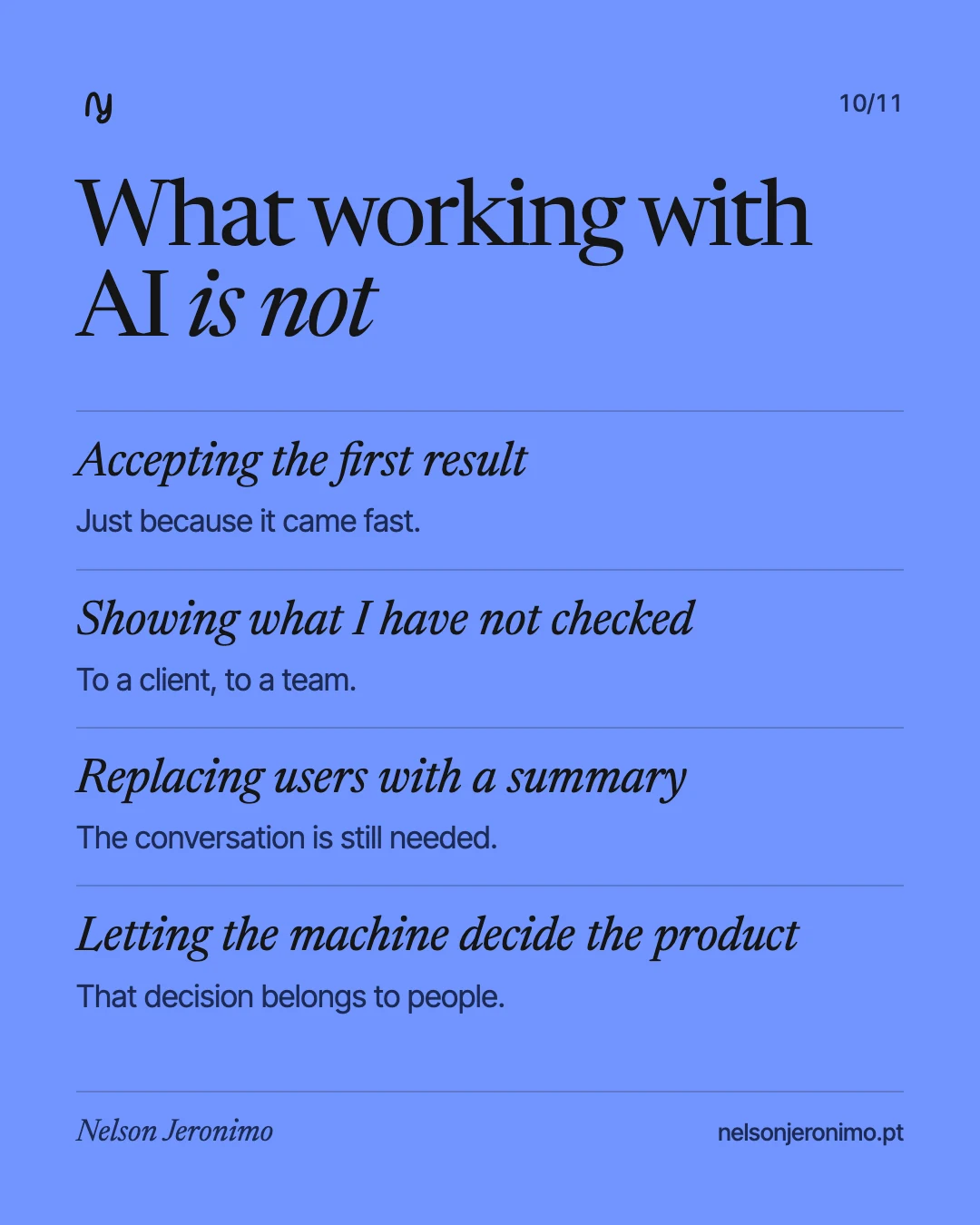
What working with AI is not
- Accepting the first result because it came fast.
- Showing a client something I have not checked myself.
- Replacing the conversation with users by a summary.
- Handing the machine the decision about what the product should be.
What stays
The craft is the same: understand people, define the problem well, design with judgement, test. What AI takes away is the work nobody sees, and it gives back time to think and to try things. Between a designer who uses these tools and one who does not, the difference is in how many times each can test an idea before delivering it.
If you want this process in your product or your team, talk to me.