I have a senior designer who never sleeps
How I connected Claude to my Figma files over MCP and started working as a team: the time that used to disappear, today's design cycle and 12 screens in a morning.
Most of my design week used to disappear into work nobody sees. Research. UX audits. Checking spacing consistency across 40 screens. Building layout variations that get rejected in review. That work matters, but it was eating my time.
So I stopped doing everything alone.
The problem: invisible work
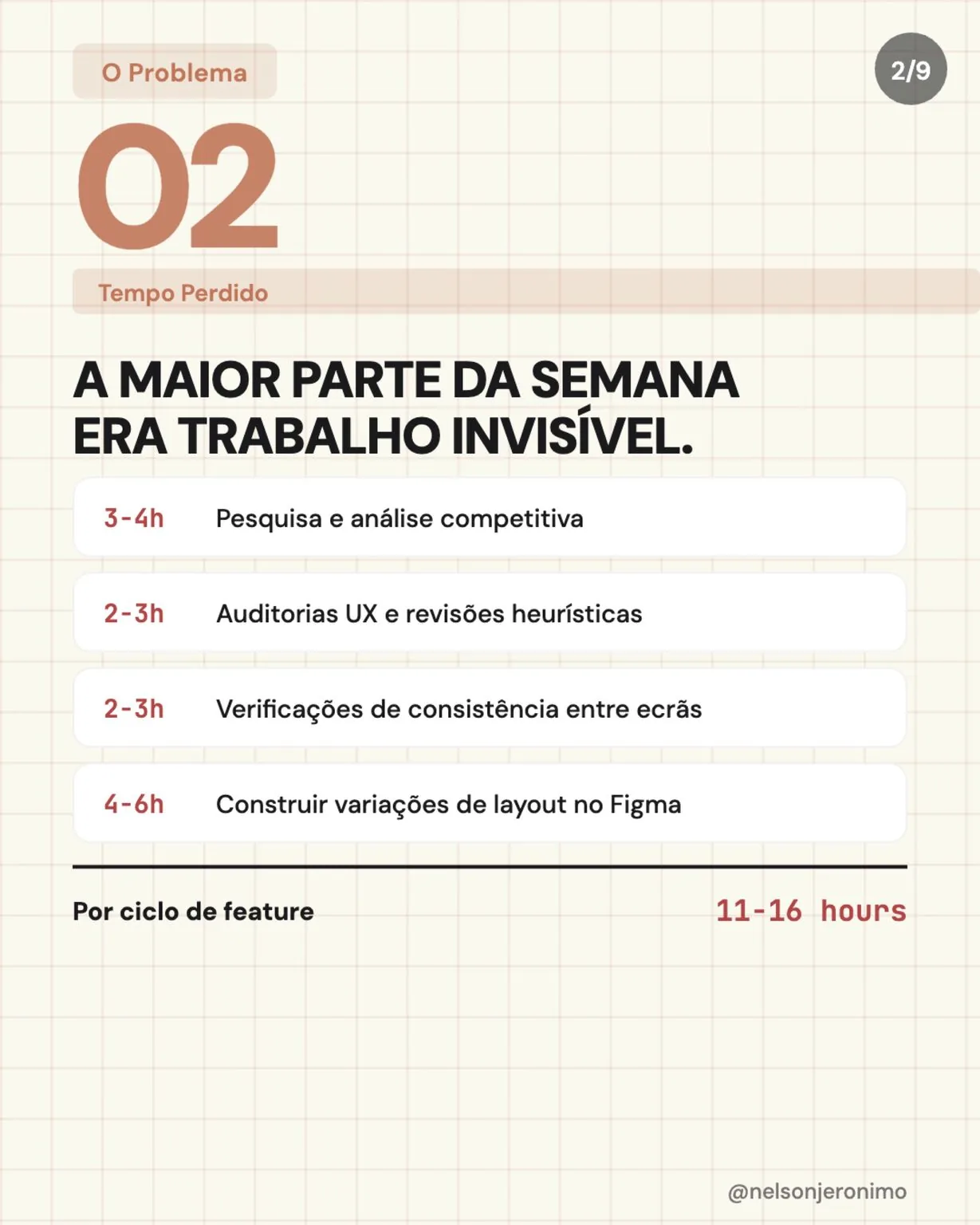
For every feature cycle, this is what went into work nobody sees:
| Time | Task |
|---|---|
| 3–4 h | Research and competitive analysis |
| 2–3 h | UX audits and heuristic reviews |
| 2–3 h | Consistency checks across screens |
| 4–6 h | Building layout variations in Figma |
| 11–16 h | Per feature cycle |
The shift: a new setup
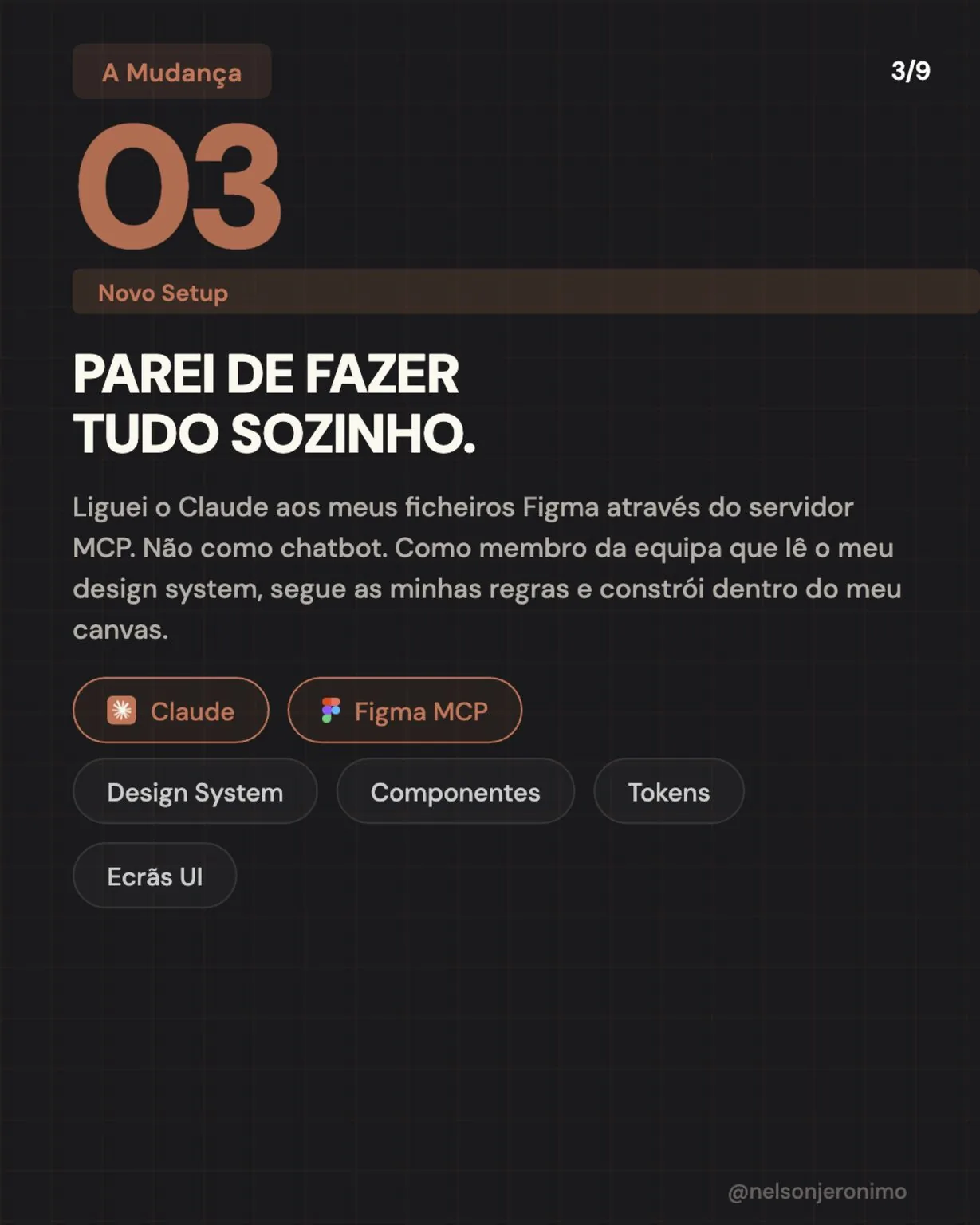
I connected Claude to my Figma files through the MCP server. Not as a chatbot: as a team member that reads my design system, follows my rules and builds inside my canvas, with my components, tokens and screens.
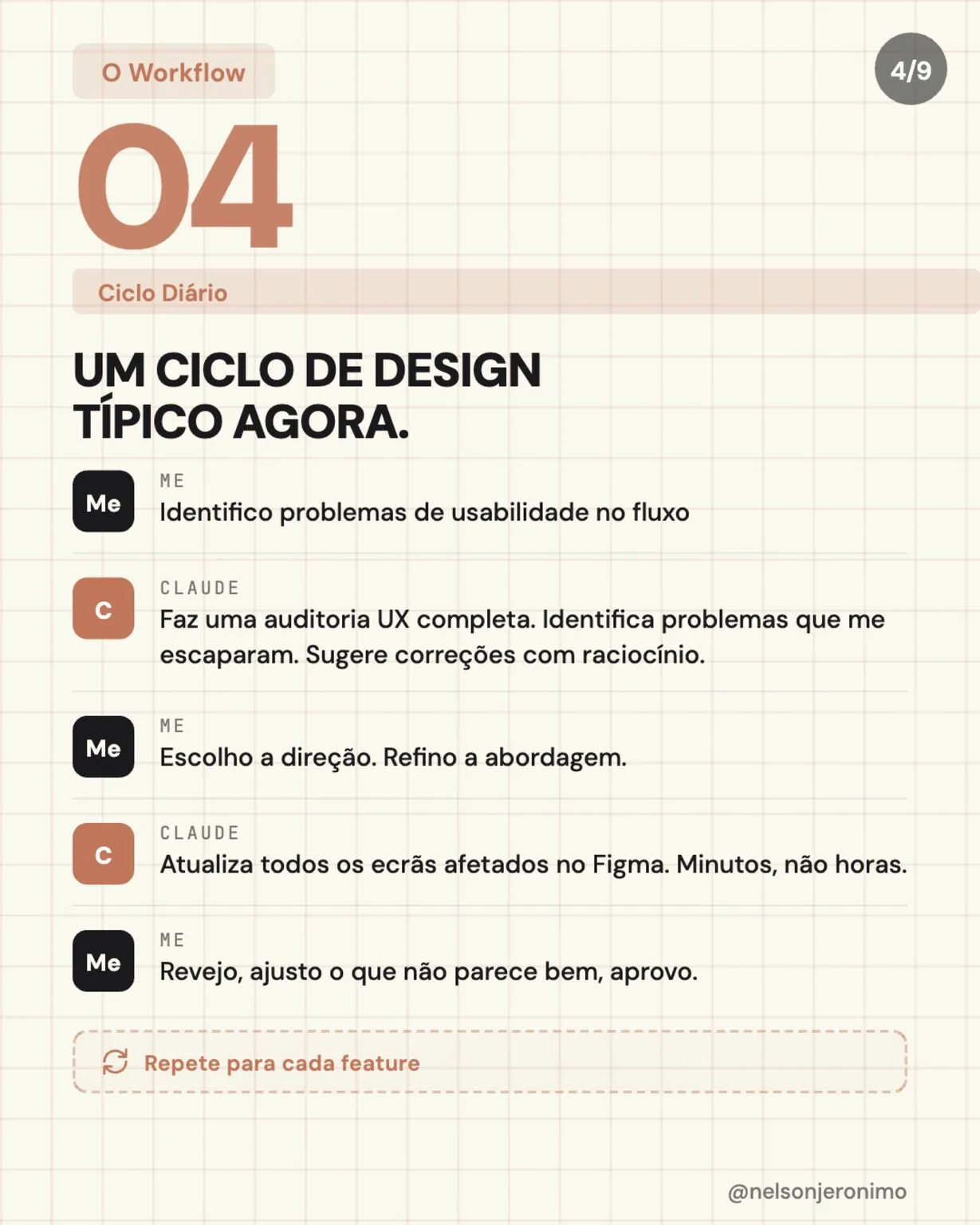
A typical design cycle, now
- I spot usability issues in the flow.
- Claude runs a full UX audit, finds issues I missed and suggests fixes with its reasoning.
- I pick the direction and refine the approach.
- Claude updates every affected screen in Figma. Minutes, not hours.
- I review, adjust whatever doesn’t look right and approve.
Then repeat for every feature.
A real example: a UX audit of a whole feature
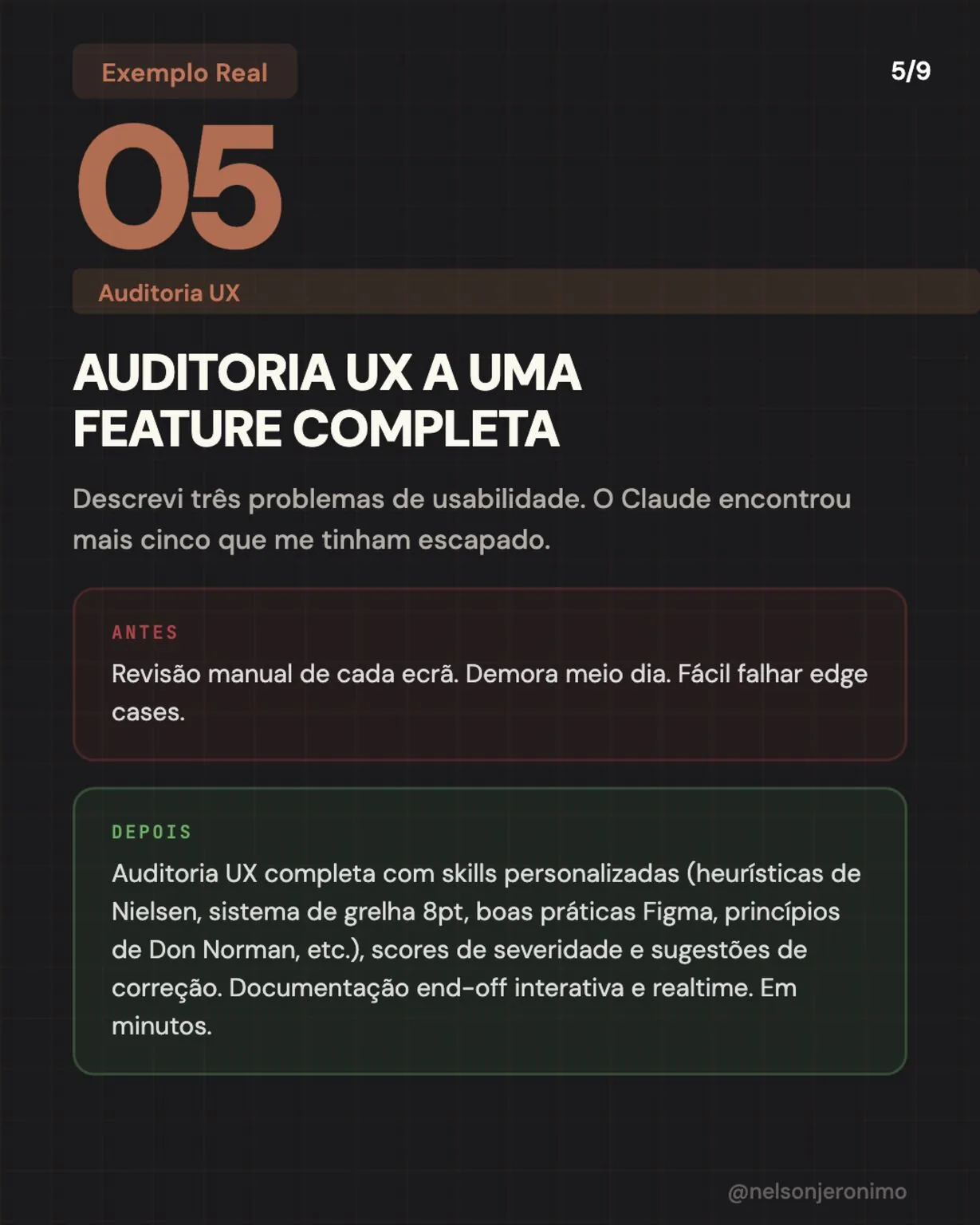
I described three usability issues. Claude found five more I had missed.
- Before: a manual review of every screen. Half a day, and easy to miss edge cases.
- After: a full audit with custom skills (Nielsen’s heuristics, an 8 pt grid, Figma best practice, Don Norman’s principles), with severity scores and suggested fixes, plus interactive, real-time handoff documentation. In minutes.
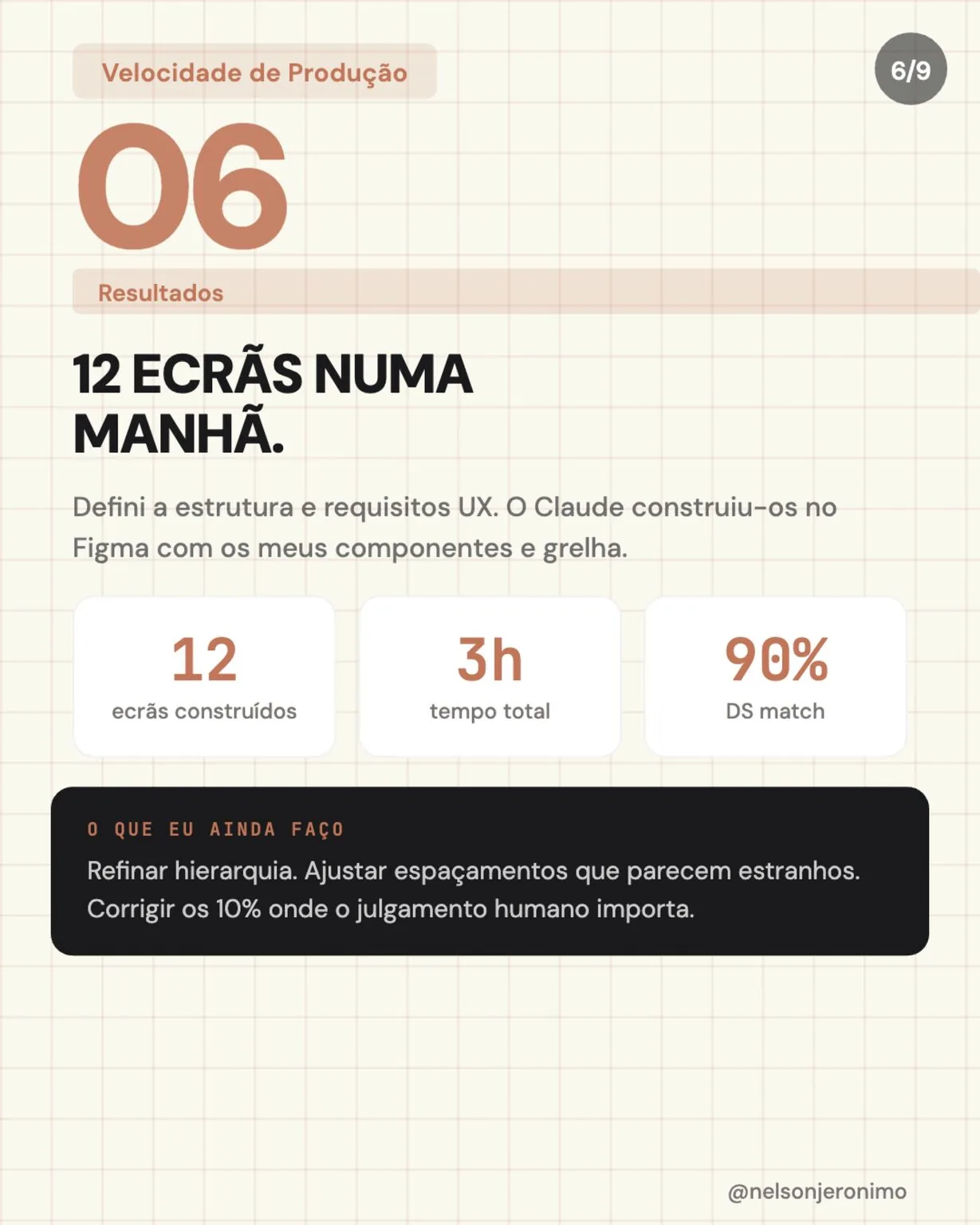
Results: 12 screens in a morning
I defined the structure and the UX requirements. Claude built them in Figma with my components and my grid.
- 12 screens built
- 3 h in total
- 90% design system match
What I still do: refine the hierarchy, adjust spacing that looks off and fix the 10% where human judgement matters.
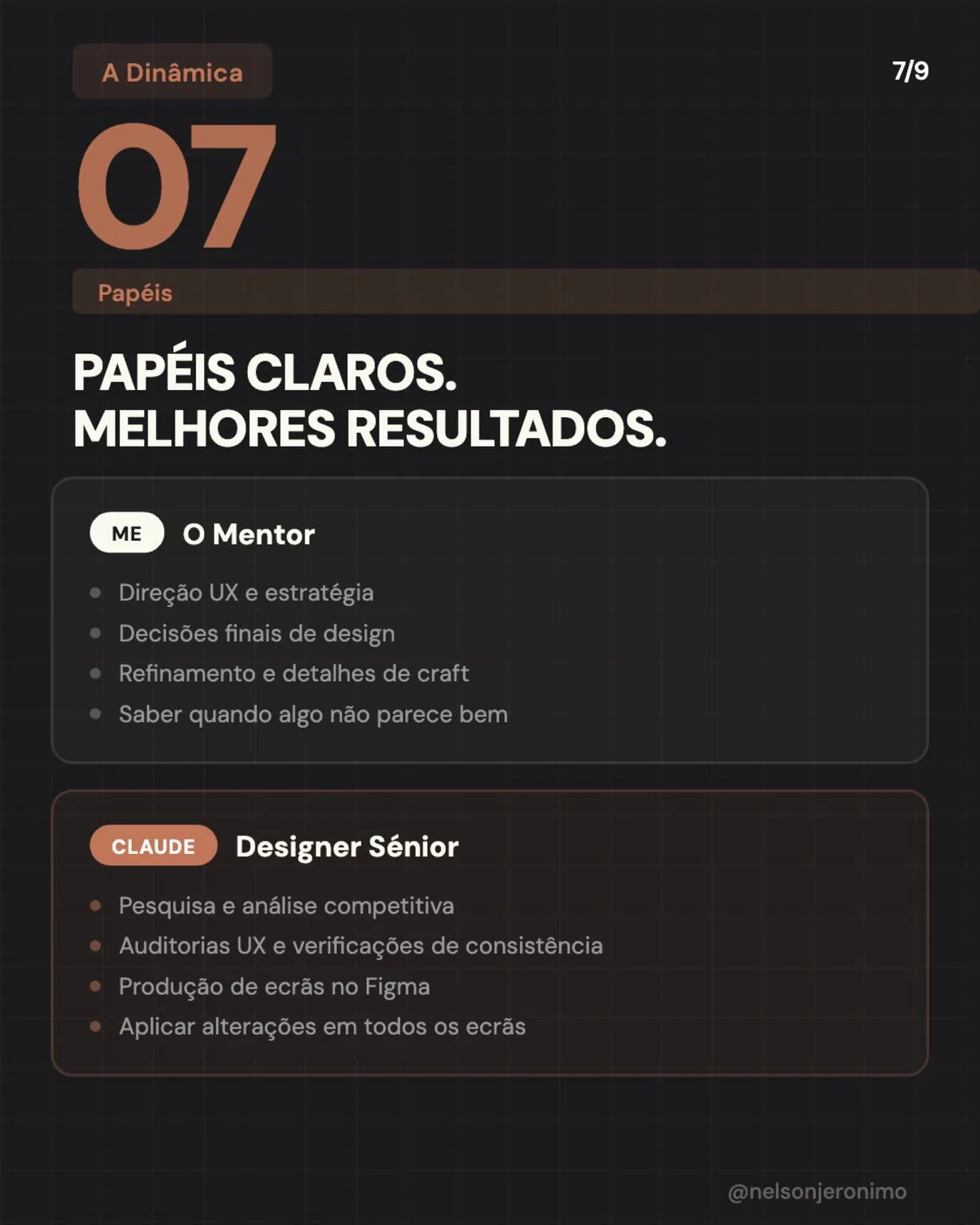
Clear roles, better results
Me, the mentor: UX direction and strategy, final design decisions, refinement and craft details, and knowing when something doesn’t look right.
Claude, the senior designer: research and competitive analysis, UX audits and consistency checks, producing screens in Figma and applying changes across every screen.
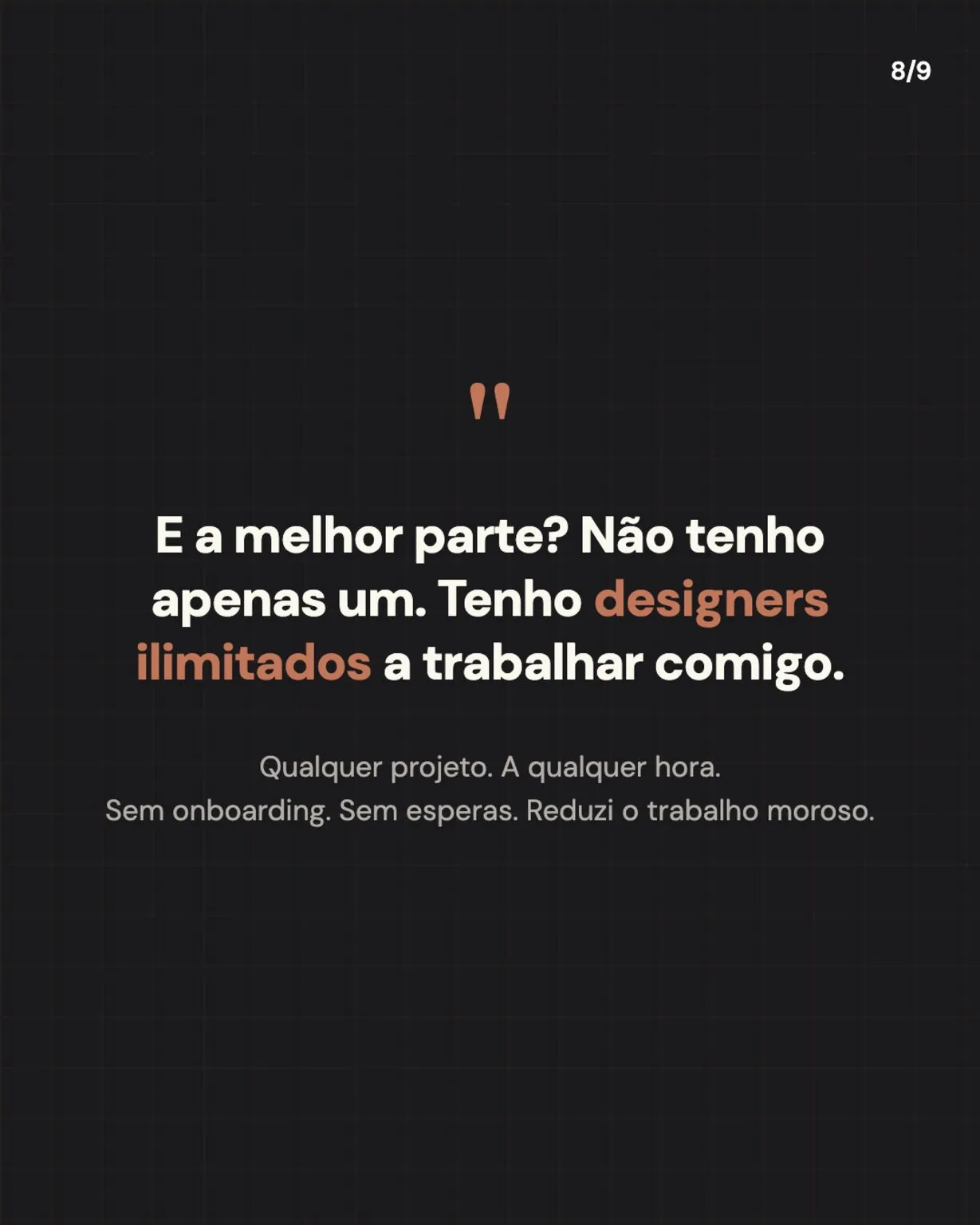
And the best part?
I don’t have just one. I have unlimited designers working with me. Any project, any time, no onboarding and no waiting. The slow work shrank and the time went back into the decisions that matter.
Which part of your design work would you delegate first? The original post, with the carousel (in Portuguese), is on LinkedIn.