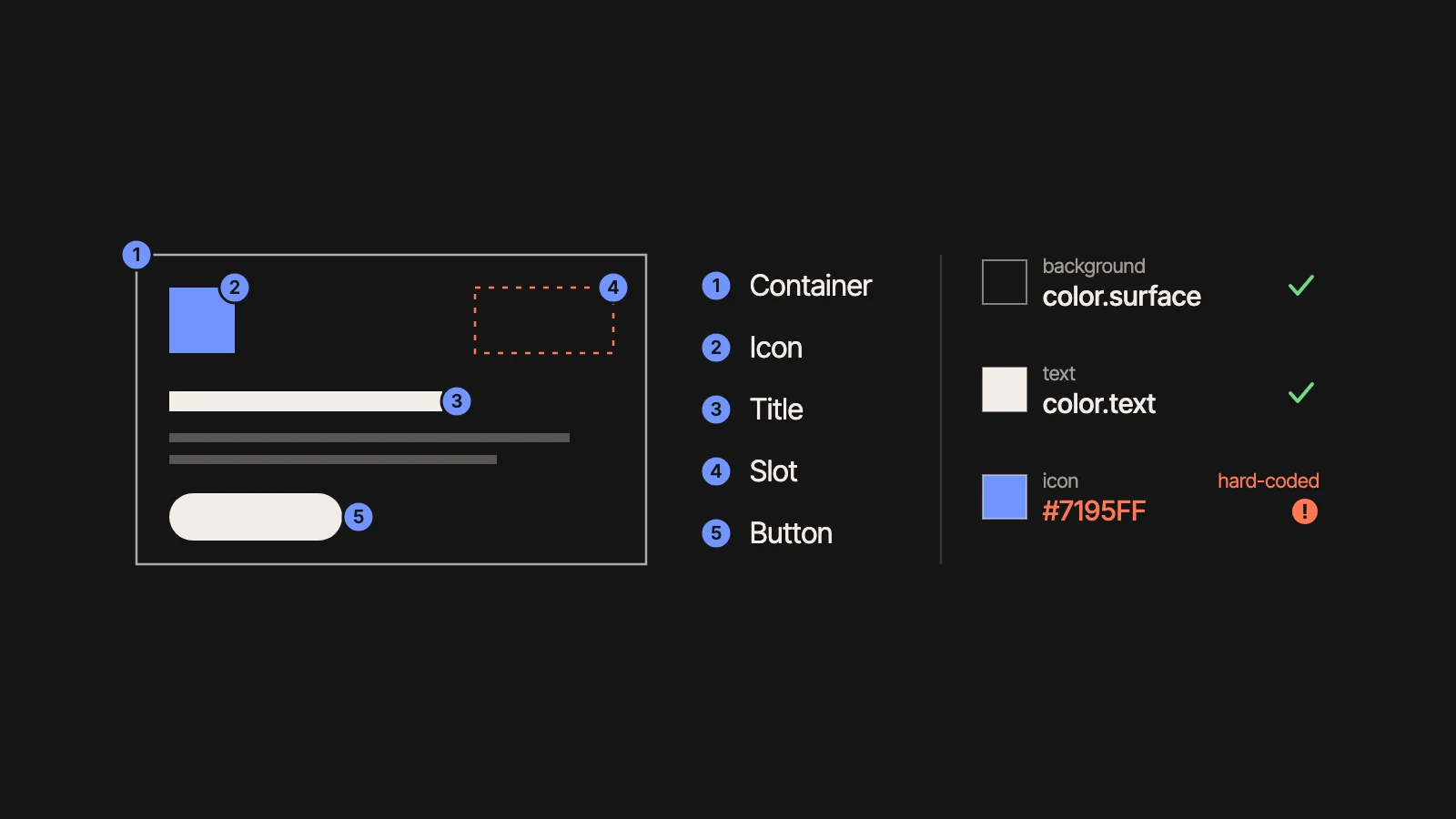
The Figma agent is only as good as the rules you give it.
Figma showed how three teams (Uber, Granola and Atlassian) use its agent. None of the cases is about replacing designers: they are about documentation, meeting notes, clean-up and motion that used not to ship. What they did, the pattern and what I would try first.
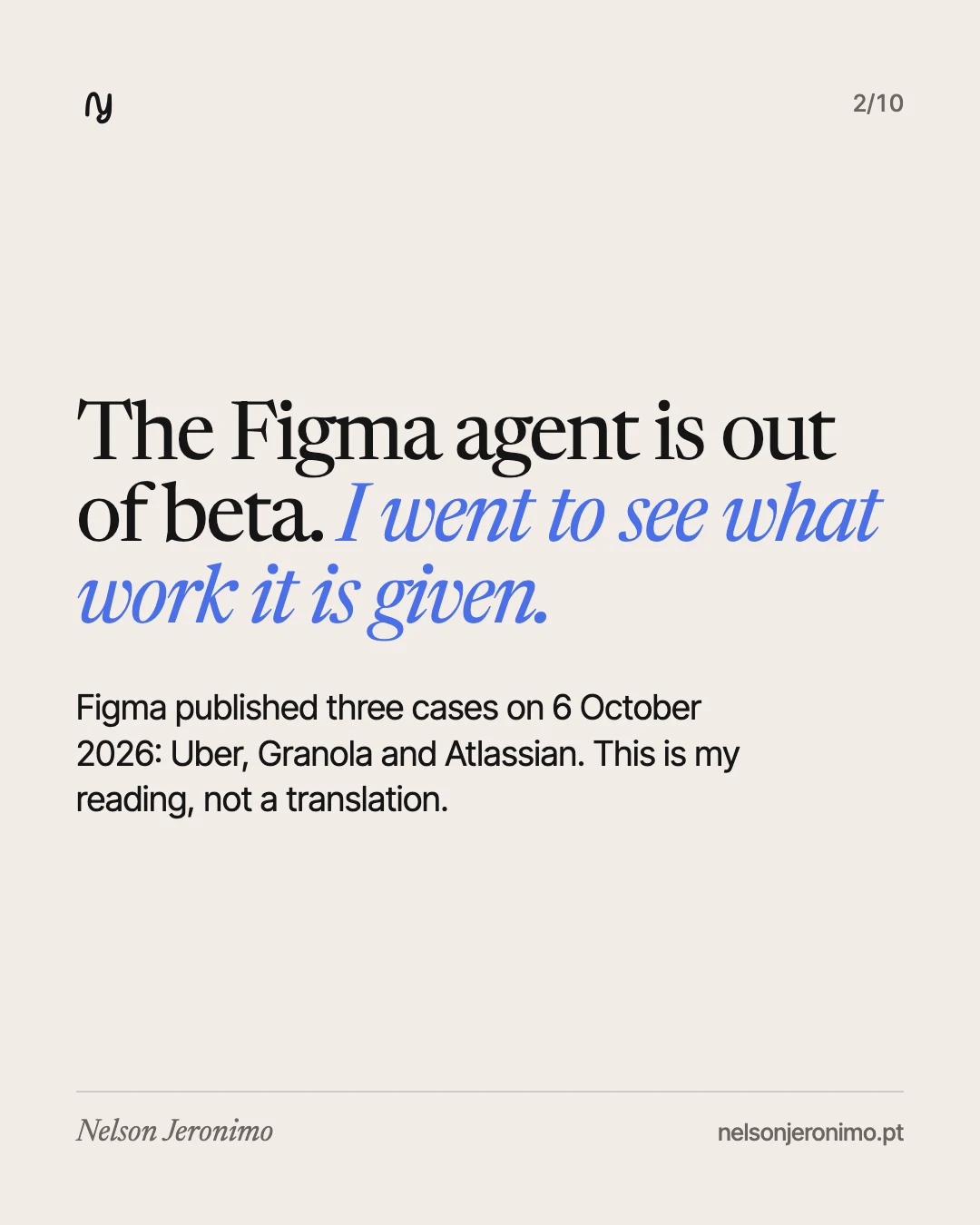
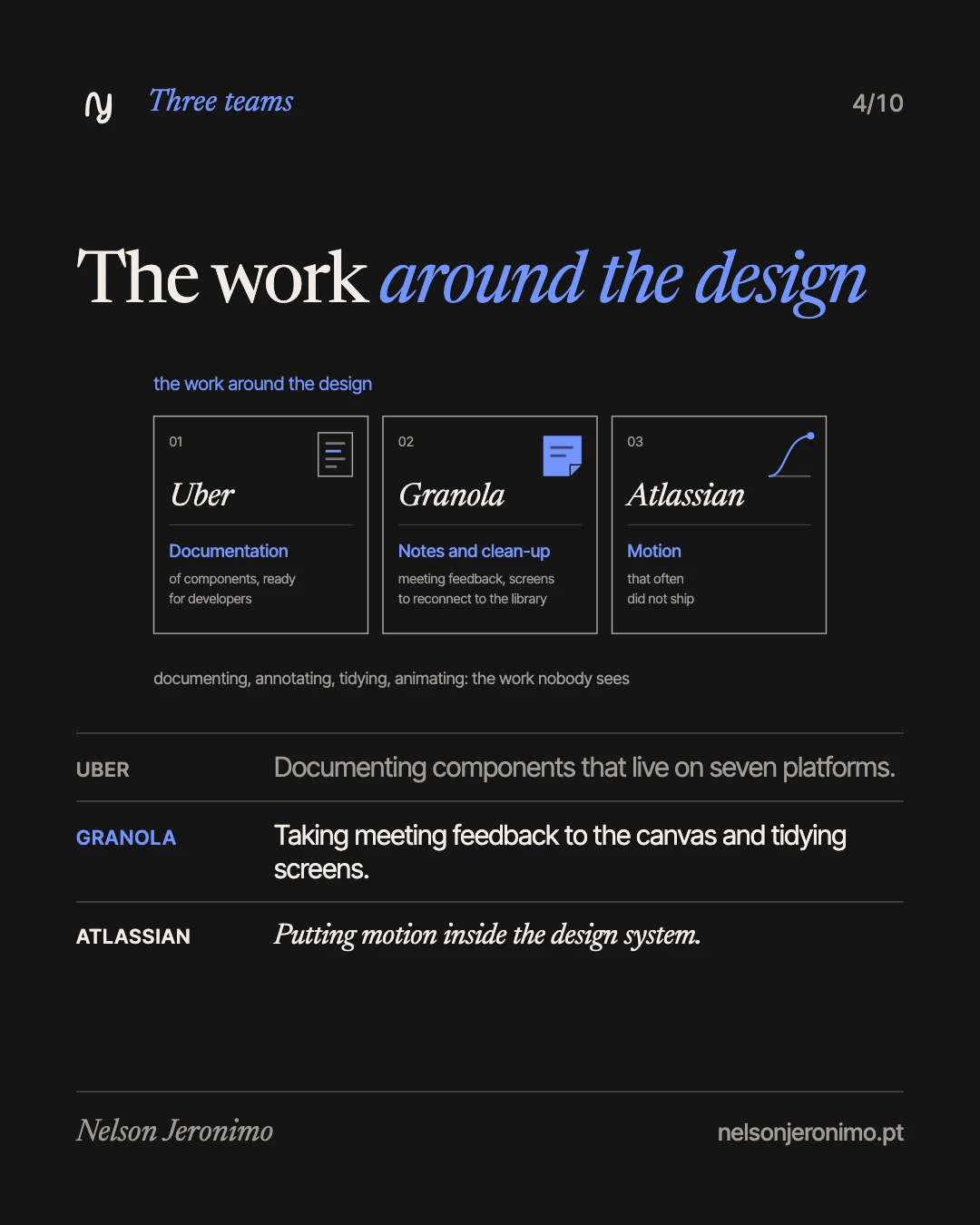
On 6 October 2026, Figma published on LinkedIn three cases of teams using the Figma agent: Uber, Granola and Atlassian. I read them looking for one thing: what work each team handed over to it. The answer is the same in all three, and it is not “the design”.
This article is my reading, not a translation: what the three teams did, what they have in common and what I take from it, for people who design products and for people who run a business. The figures and the results are Figma’s and the teams’, and I always say whose.
What Figma announced
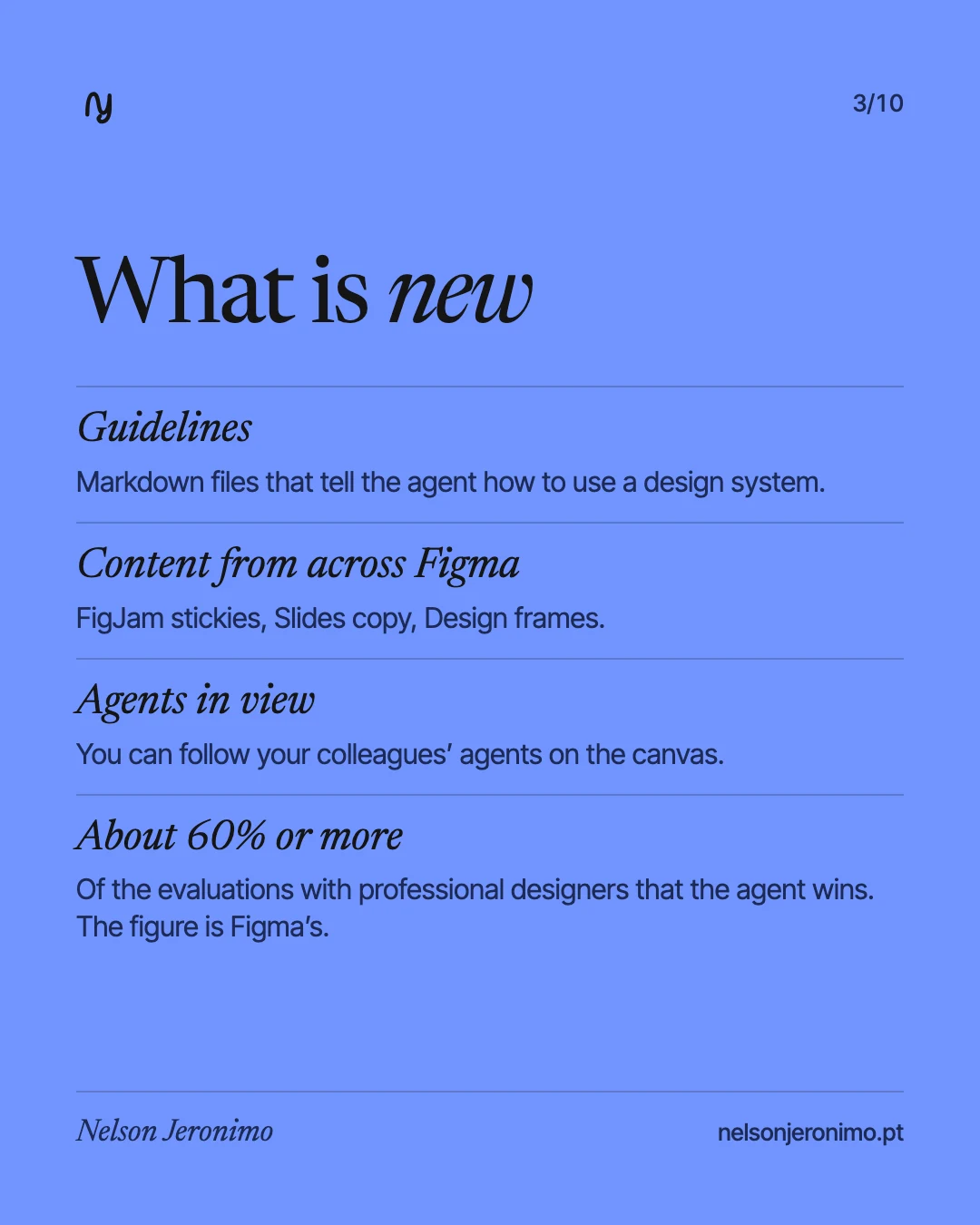
The Figma agent has left beta and is now generally available. Figma says it follows instructions better and handles longer tasks, and that it wins about 60% or more of the human-graded evaluations it runs with professional designers. The figure is theirs.
Three new things came with it:
- Guidelines. Markdown files that the owner of a library uploads to that Figma library, to tell the agent how that design system is used.
- Content from across Figma. The agent finds and inserts content that lives elsewhere in Figma: FigJam stickies, Slides copy, Design frames.
- Agents in view. You can follow your collaborators’ agents as they work on the canvas.
Who can use it: Full seats on the Professional, Organization and Enterprise plans and on some Education plans, with limited use on Starter. Collab, Dev and View seats can use it in drafts.
The pattern Figma reports is this: teams use the agent to automate busywork, to document and maintain design systems, and to be more expressive.
The summary, in a table
| Team | The work | What the agent does | What holds it in place |
|---|---|---|---|
| Uber | Documenting components that live on seven platforms | Shows a component’s anatomy, maps colours to tokens and flags hard-coded values | Skills built by a designer on the team |
| Granola | Meeting feedback, screens to tidy, copy variations | Writes the feedback onto the canvas as annotations and reconnects screens to the library | The app’s component library |
| Atlassian | Motion that often did not ship | Helps tune the curve and the duration of an animation | The Atlassian Design System variables |
1. Uber: the documentation that took months
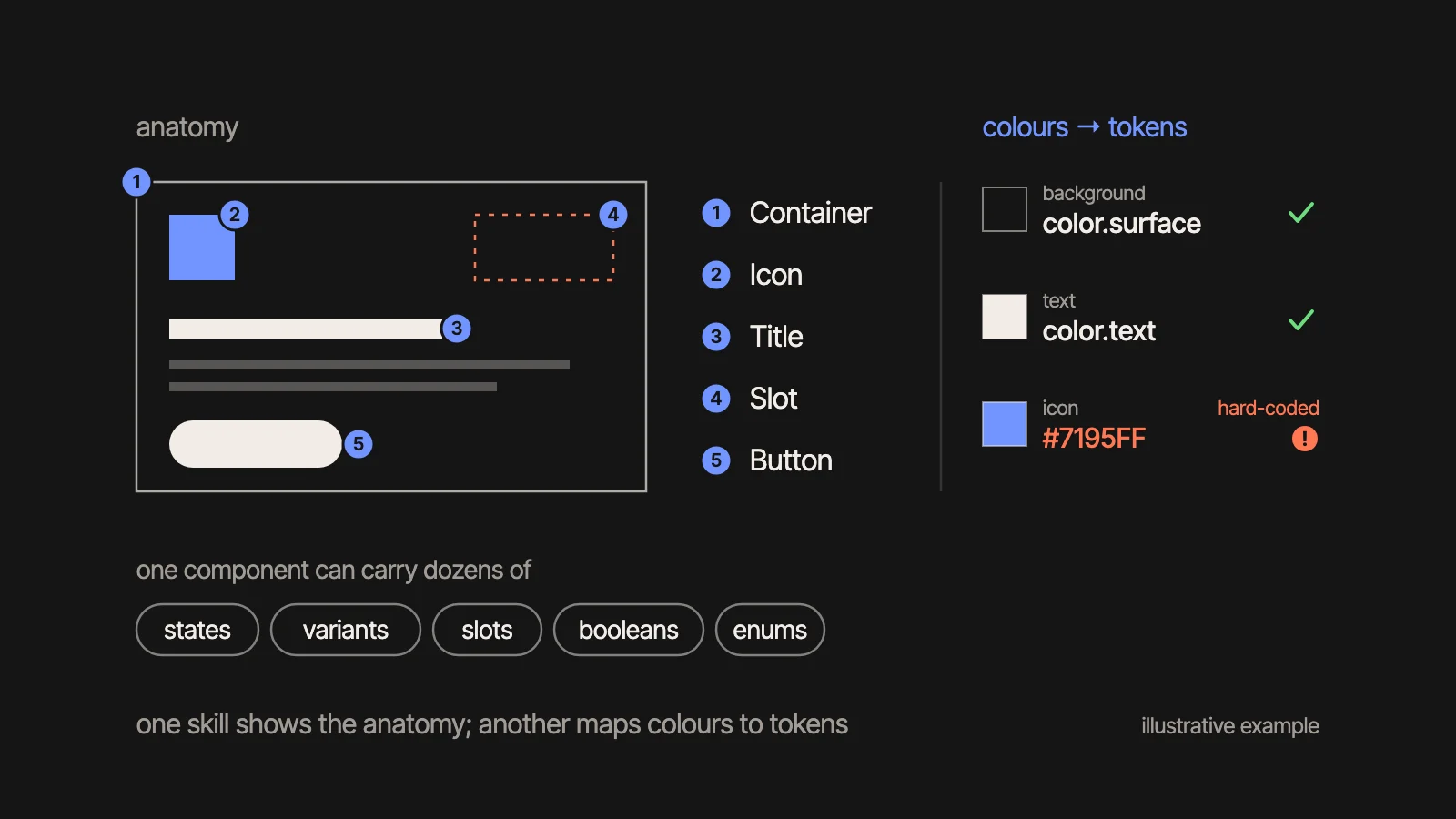
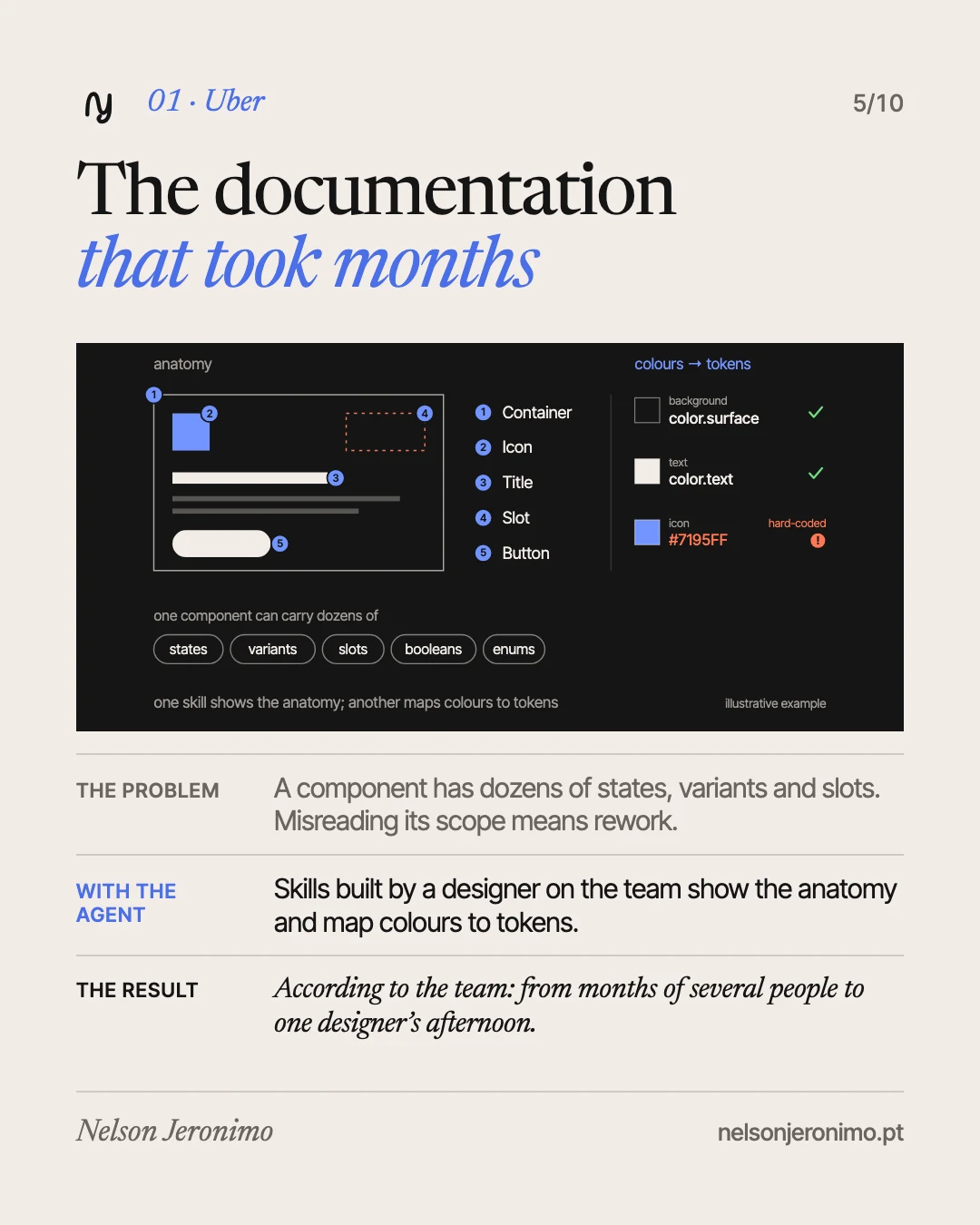
Uber’s design systems team maintains components across seven platforms. A single component can carry dozens of states, variants, slots, booleans and enums, and whoever misreads its scope ends up redoing work.
Designers Ian Guisard and Niloo B. use the agent with a set of skills Ian built, to produce developer-ready documentation. One skill shows a component’s anatomy as an annotated drawing. Another maps colours to design tokens and flags the values typed in by hand. The skills are published in Figma Community.
The result the team reports: documentation that used to occupy several people for months is now published by one designer in an afternoon. And there is a detail I like more than the number: the agent caught a hard-coded colour the designer had changed by accident.
What I take from it: the skills were built by someone who knows the system. The agent applies the rules; it did not write them.
2. Granola: being in the meeting, not taking notes
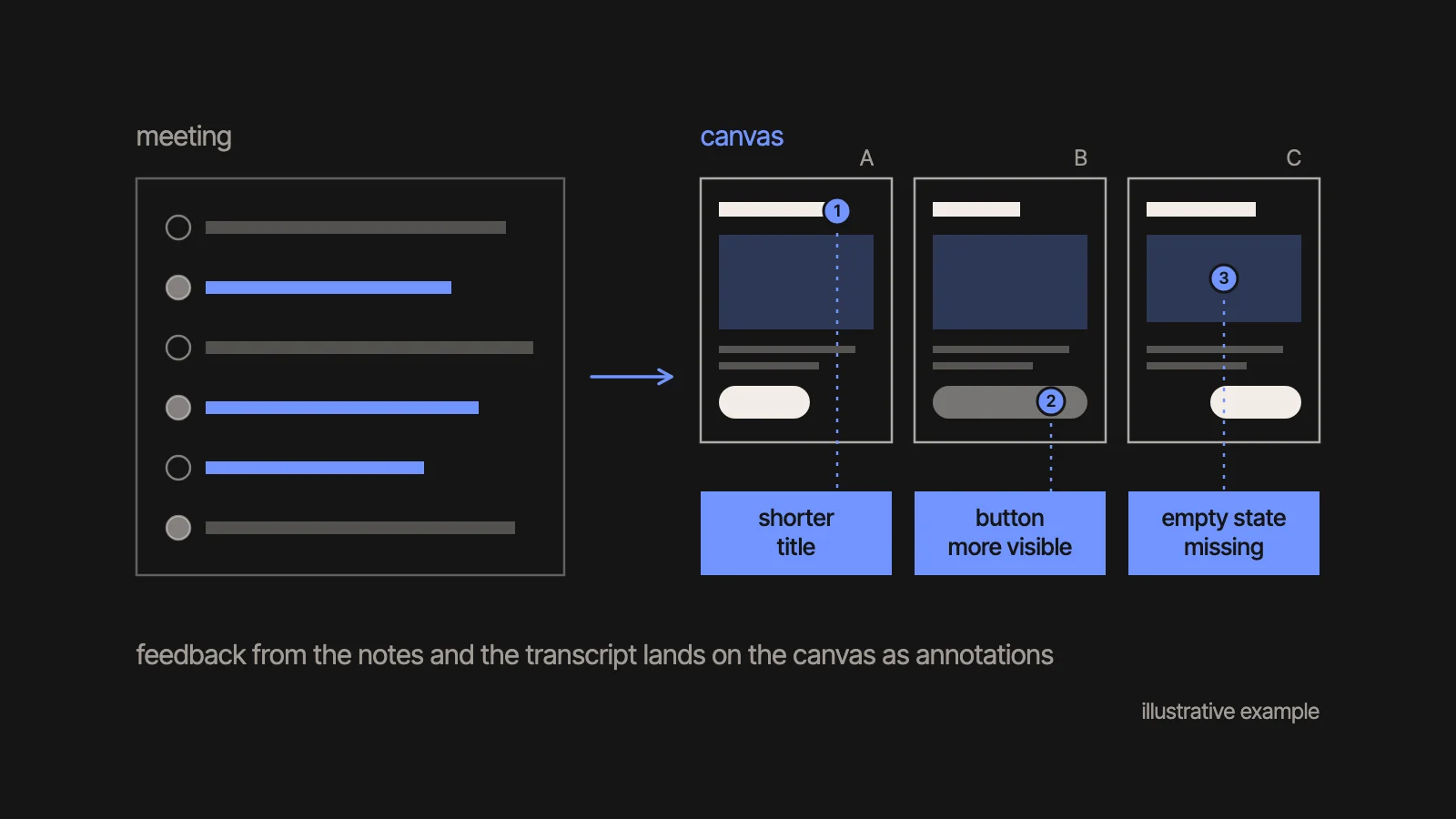
Granola is a small team making an AI note-taking app. Designer Paavan Buddhdev explores with many versions side by side on the canvas.
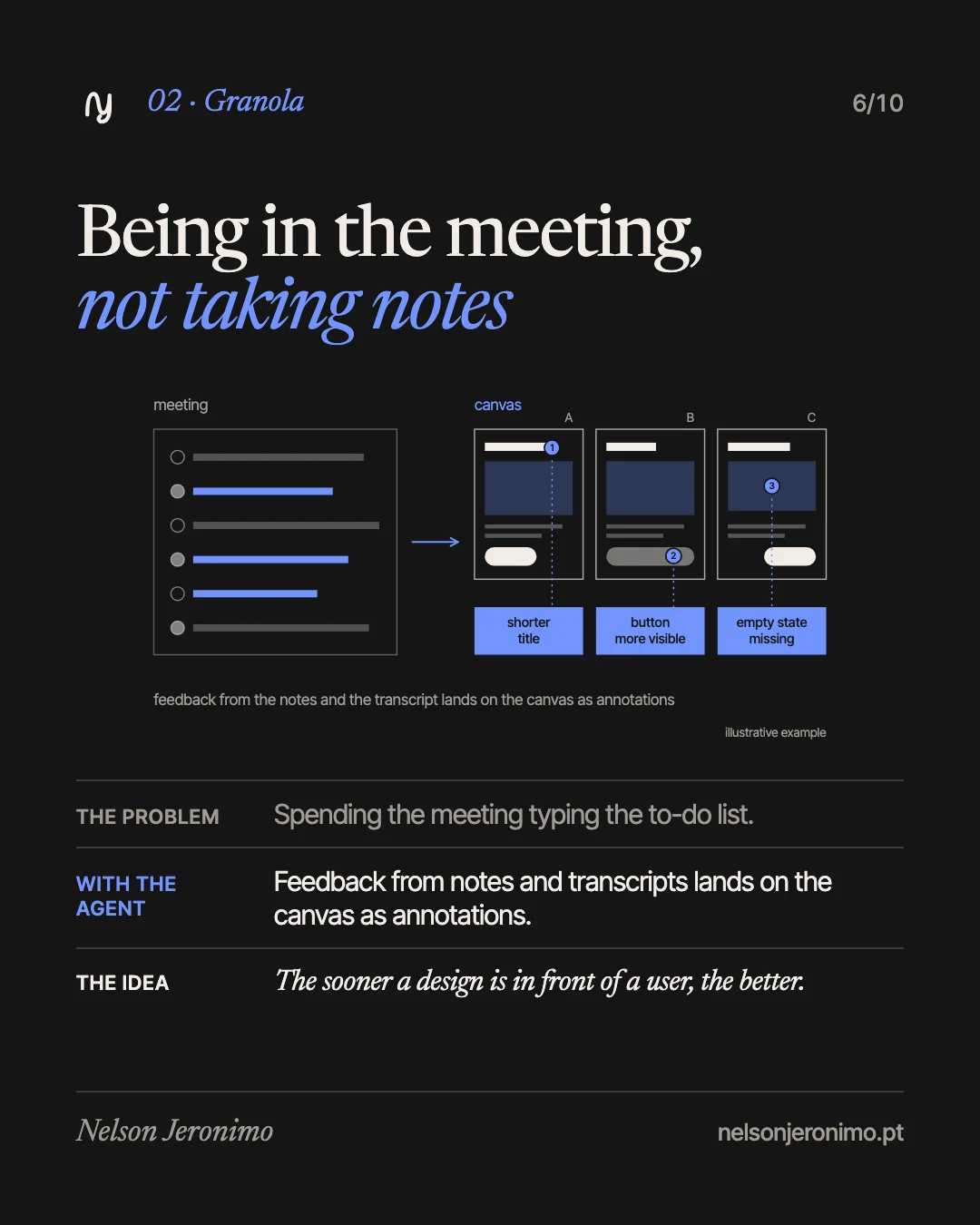
With the Granola connector, the agent takes the meeting notes and transcripts and writes the feedback onto the canvas, as annotations. That way he can be present in the meeting, instead of typing a to-do list.
There are two more uses. He pulls screens that already exist in the app onto the canvas, with the Figma Chrome extension, and asks the agent to reconnect them to the component library. And he asks for copy variations: thirty ways to phrase a button, for example.
His point: the sooner a design is in front of a user, the better.
What I take from it: thirty variations are not a decision. Choosing one is still the work of someone who knows the product.
3. Atlassian: motion within the rules
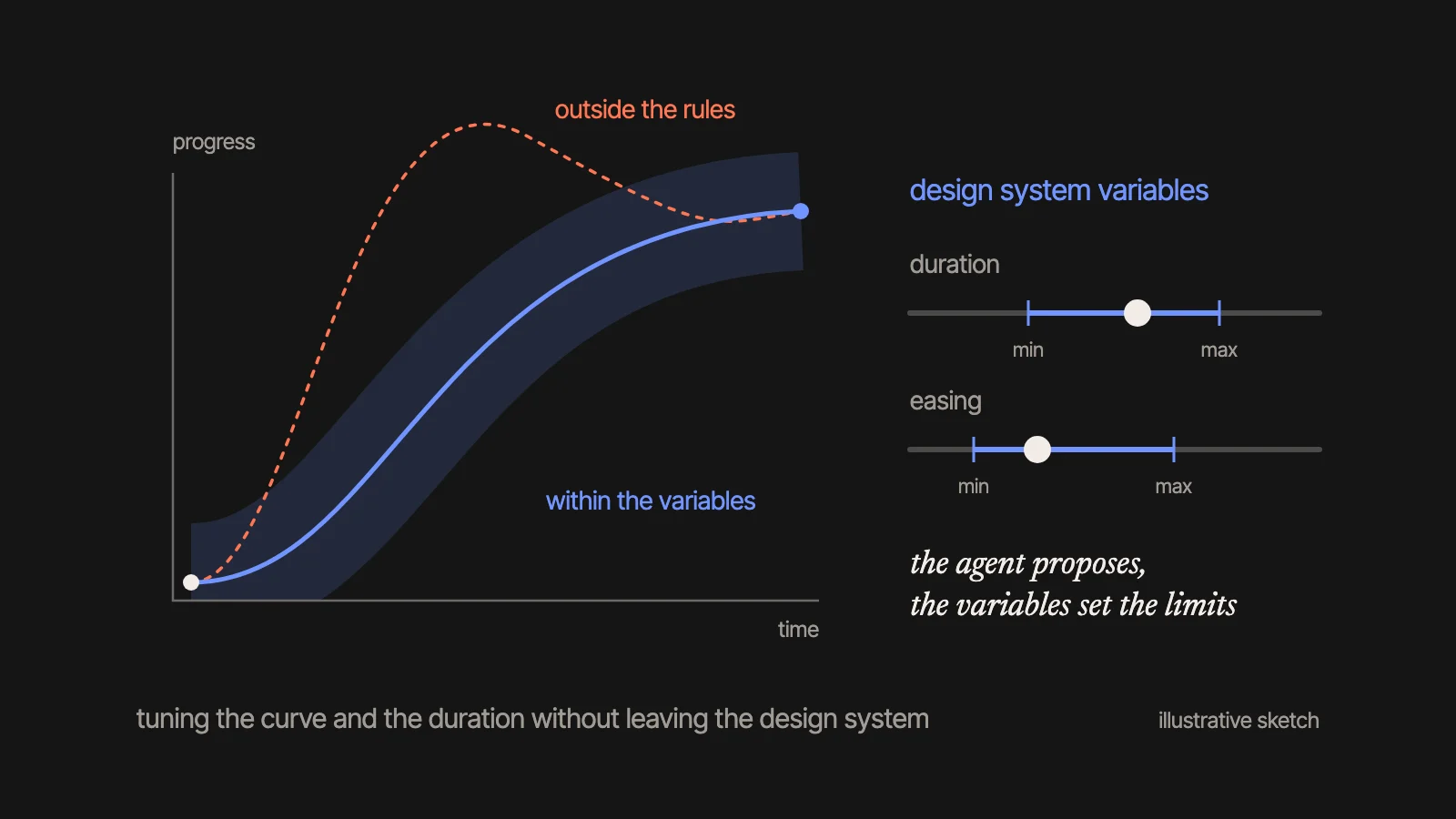
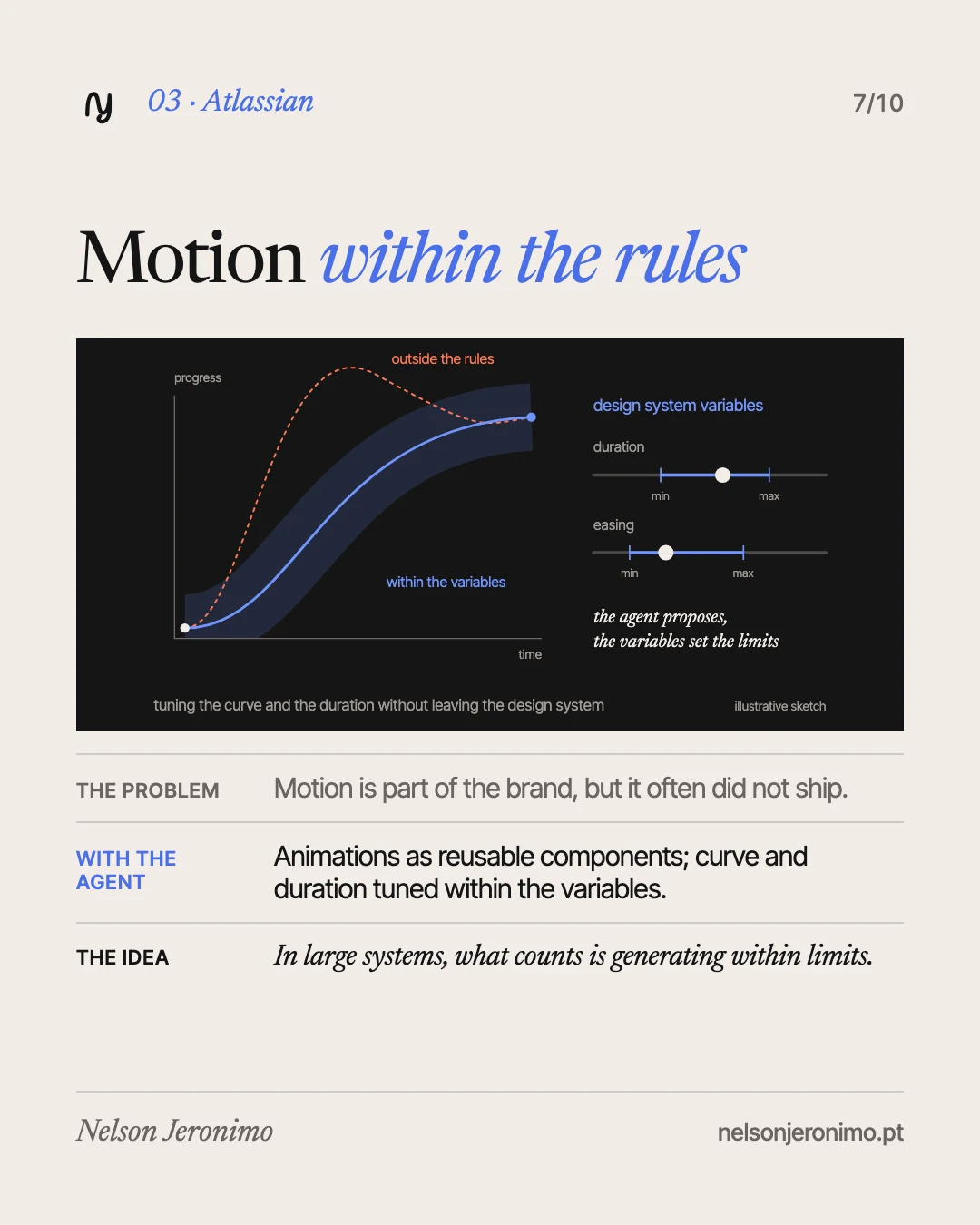
At Atlassian, motion is part of the brand, but it often did not ship. A small motion team (Alexandra Pereira, Davy Fung and Maxwell Hathaway) turned the motion assets into reusable components in Figma: a designer picks an animated illustration for a component’s slot.
When something custom is needed, the agent helps iterate on the easing and the duration, without leaving the Atlassian Design System variables. A product designer with no motion background animated a banner by describing what he wanted and asking the agent for feedback.
The team’s point: in large systems, what matters is generating within guardrails. Consistency, accessibility and implementation quality, not only speed.
What I take from it: this is how I read it: someone outside motion could animate because the motion decisions were already in the system, made by the people who know.
The pattern: the work around the design
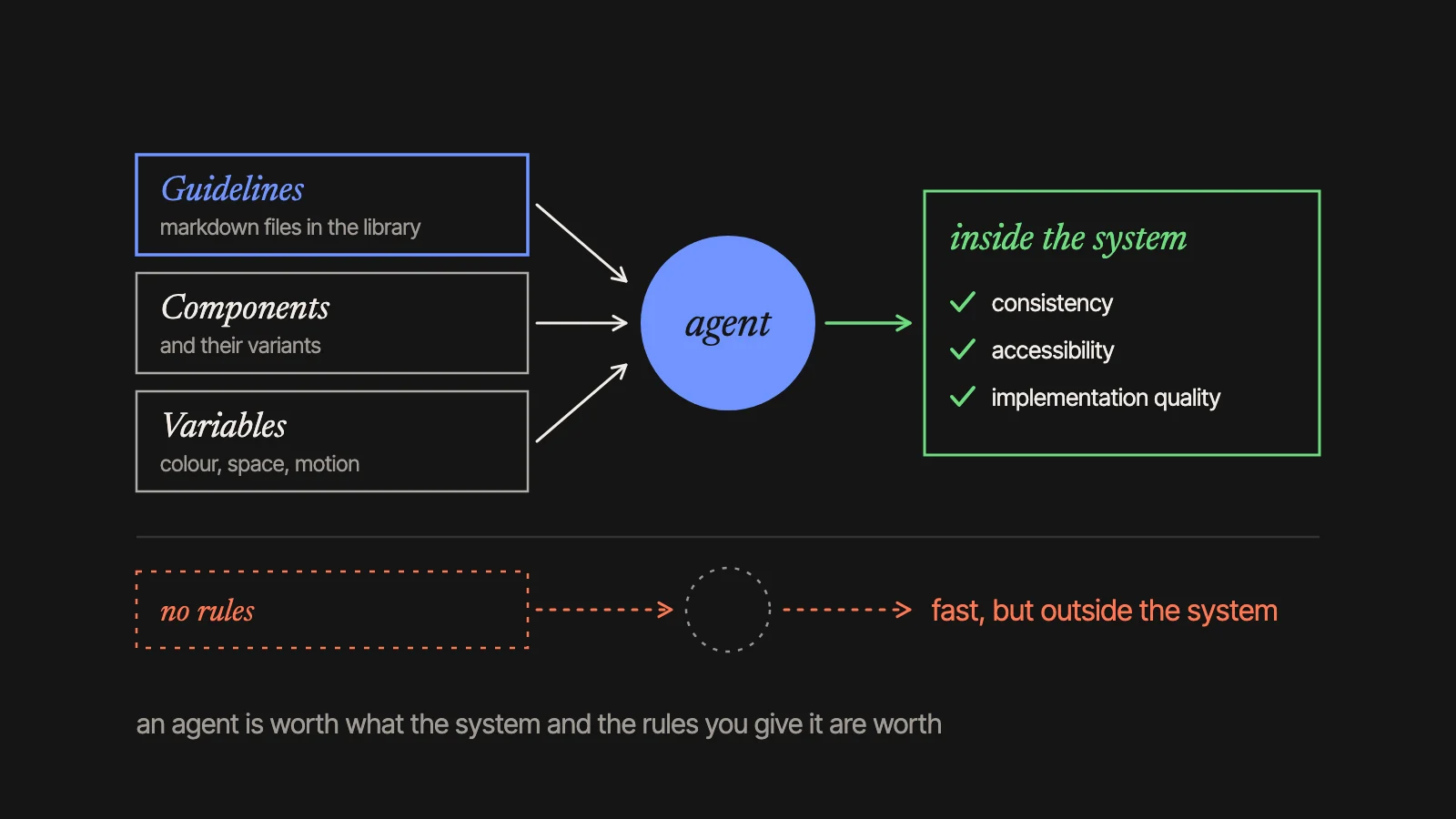
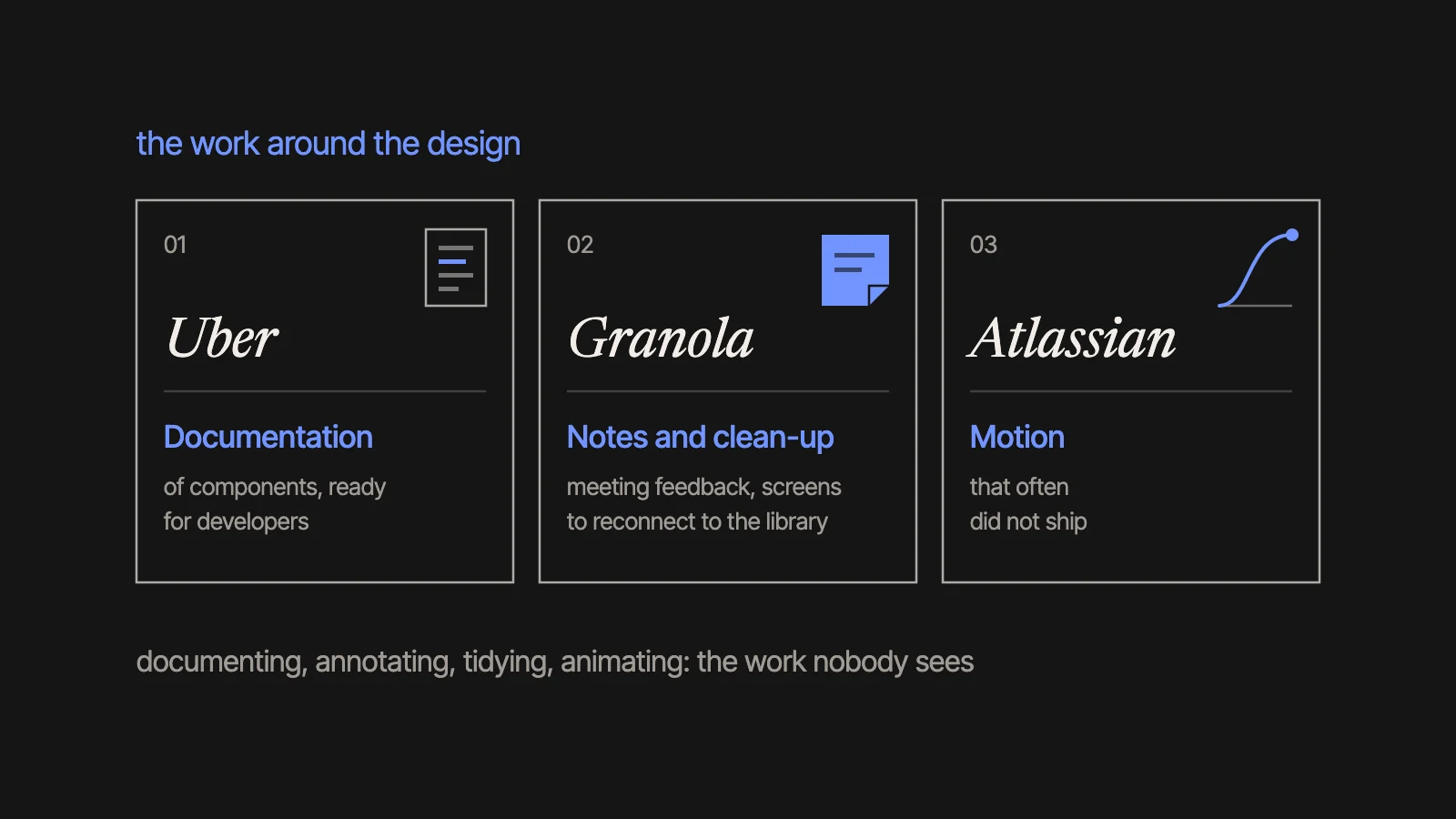
None of these cases is about replacing designers. They are about the work around the design: documentation, meeting notes, screens to tidy, motion that used not to ship. Necessary work, not glamorous, and nearly always the first to be put off.
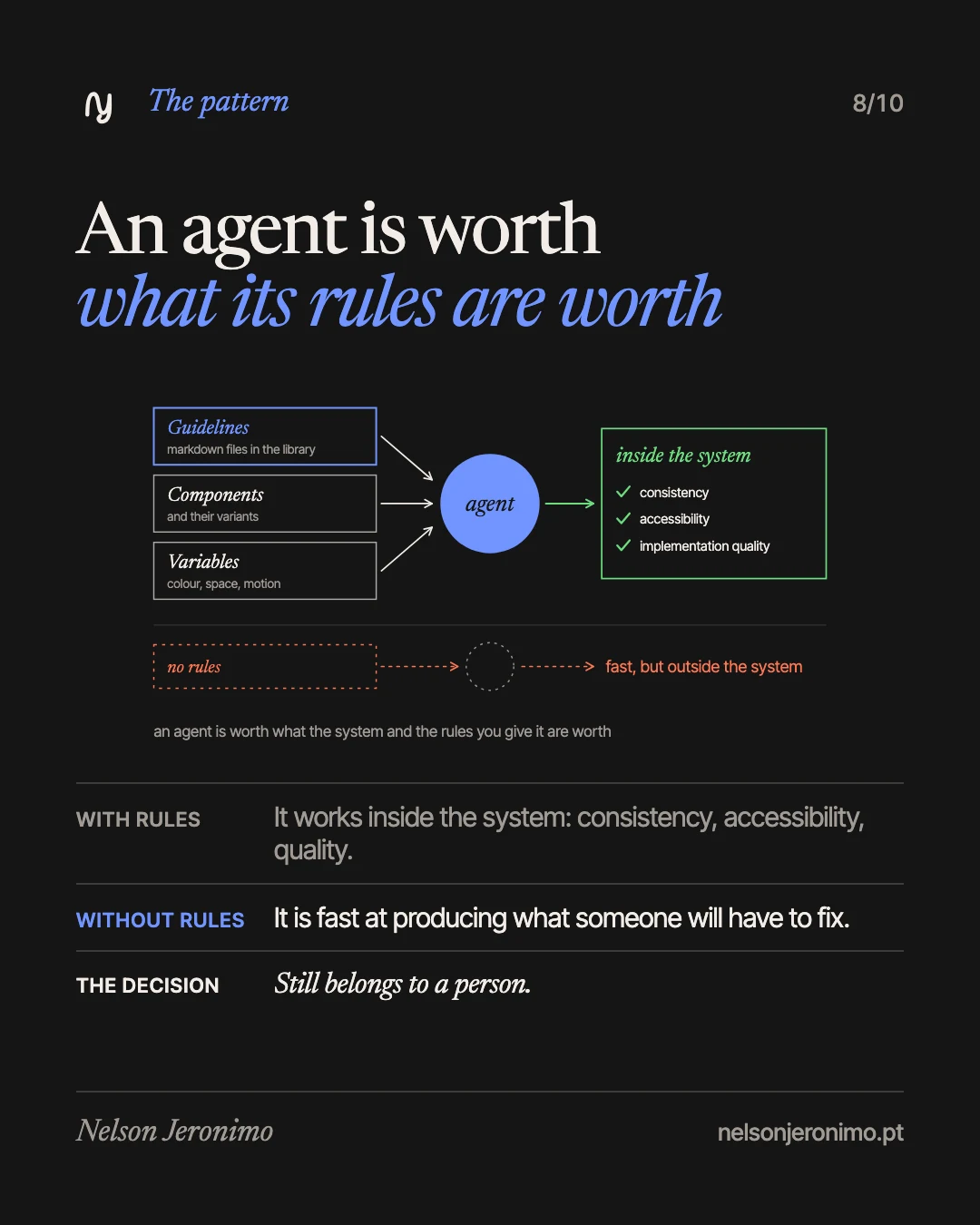
And all of them share one condition. At Uber, the skills. At Granola, the component library. At Atlassian, the variables. The guidelines Figma launched are the same idea: rules written by whoever owns the system.
An agent is only as good as the system and the rules you give it. With a well-defined design system, it works inside it. Without one, it is fast at producing things someone will have to fix.
What changes, and what does not
I wrote in another article that, with AI, the method does not change: the time does. When making stops being the slow part, deciding becomes nearly all of the work. These three cases say the same in other words: the agent took the execution, and the rules and the choices stayed with people.
If you run a business and have a design team, the useful question is not how many designers you save. It is what work is being left undone today, and whether your product’s rules are written down somewhere a tool can read them.
What I would try first
I use AI tools in production every day: Claude with MCP integrations sits at the centre of my process, plugged into Figma, docs and research. With the Figma agent I have no results of my own to show you, so what follows is intention, not experience.
Today I lead product design and the multi-brand Design System at SkillUp, a B2B LMS. I would start here:
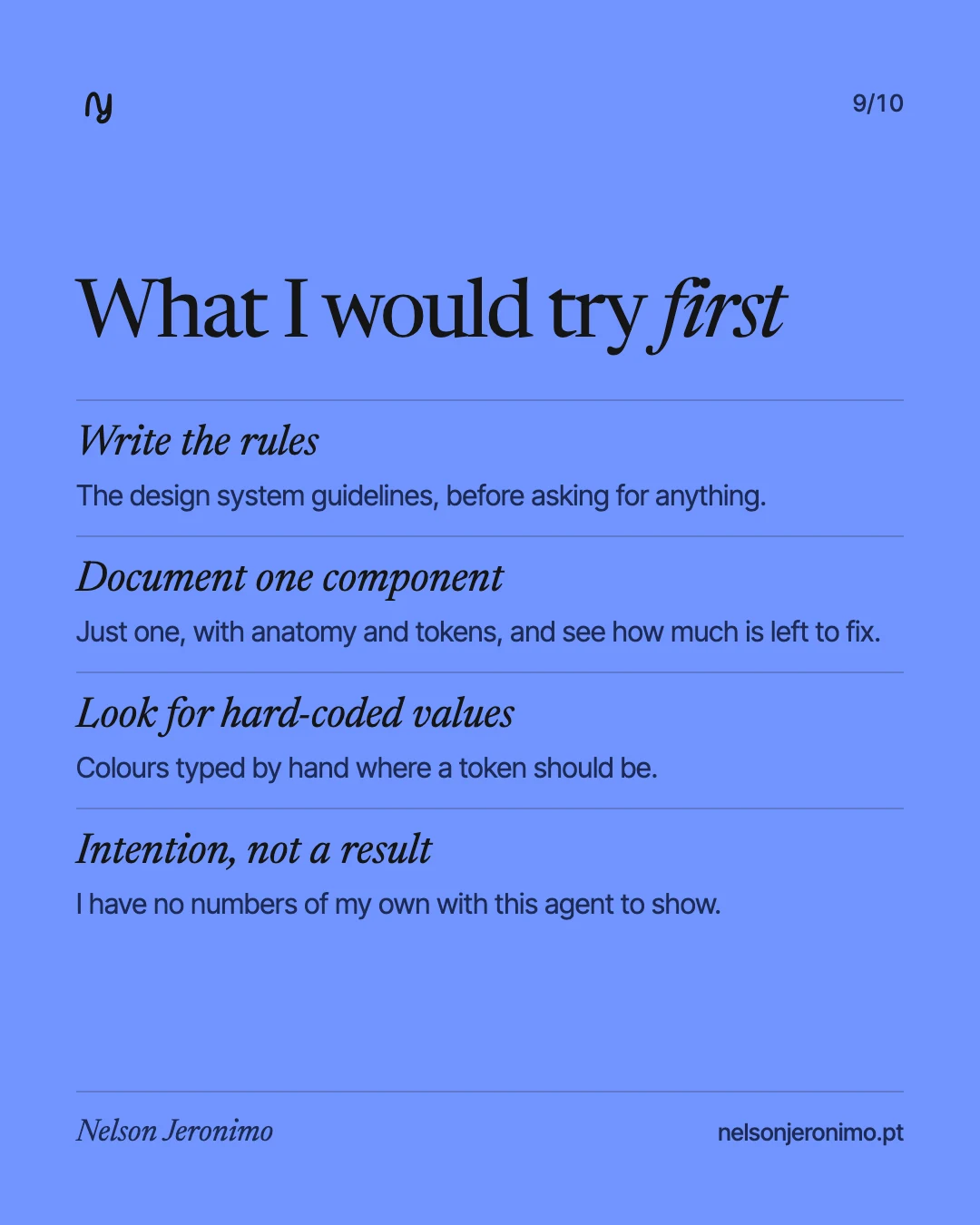
- Write the guidelines. Before asking the agent for anything, put in writing how the design system is used. In a system for several brands, AI only helps if the rules are well defined.
- Document one component, just one. With anatomy and tokens, as in Uber’s case, to see how much of the result I have to fix by hand.
- Look for hard-coded values. Colours typed in by hand where a token should be. It was a slip like this that the agent caught at Uber.
The order is deliberate: first the rules, then the agent.
A caution
The cases were chosen and published by Figma, which makes the product. An afternoon instead of months is one team’s account, with its own skills and its own system: it is not a promise for yours. It is worth taking as a direction, and the direction looks right to me.
If you want to get your design system ready to work with agents, talk to me.
Further reading
- Figma, “3 ways product designers use the Figma agent for craft, speed, and creative expression”, LinkedIn, 6 October 2026: the original article, with the three cases.
- UX Designer vs AI-First UX Designer: what changes, stage by stage, when AI enters the design process.